
Email OTP Authentication
Email OTP sends a dynamic verification code directly to the customer's registered email inbox. It requires zero third-party SMS or API accounts, leveraging your existing Magento transactional email configuration.
Configuration
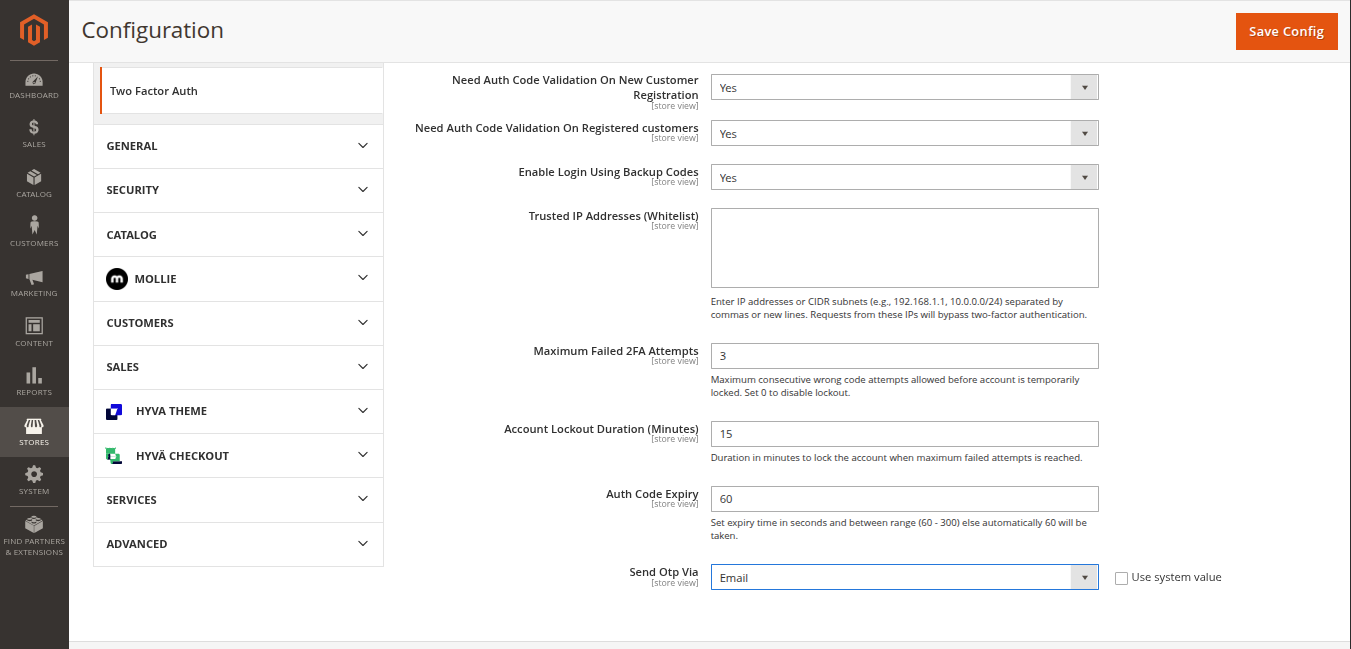
In Stores > Configuration > Webkul > Two Factor Auth, set Send Otp Via to Email.
Workflow 1: New Customer Registration
- The customer fills out the sign-up form with their details and submits the form.
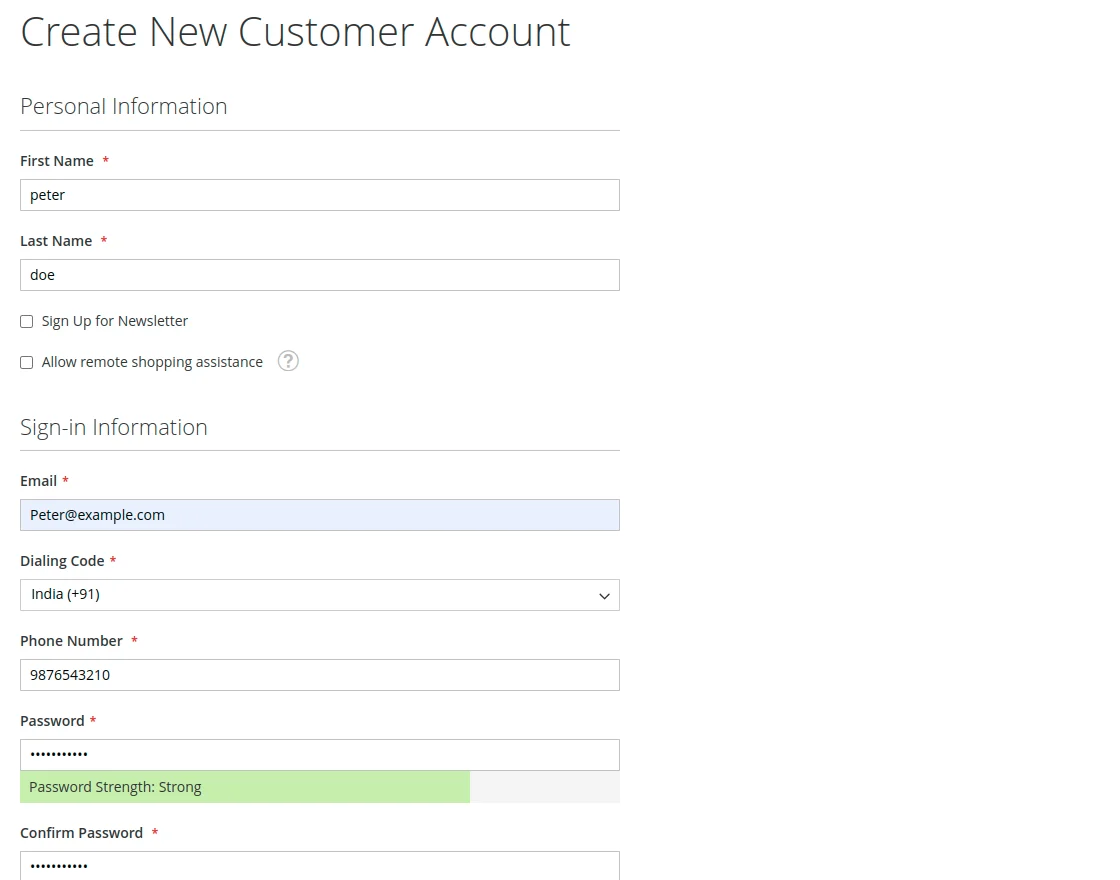
- A secure OTP is automatically generated and dispatched to the customer's email address.
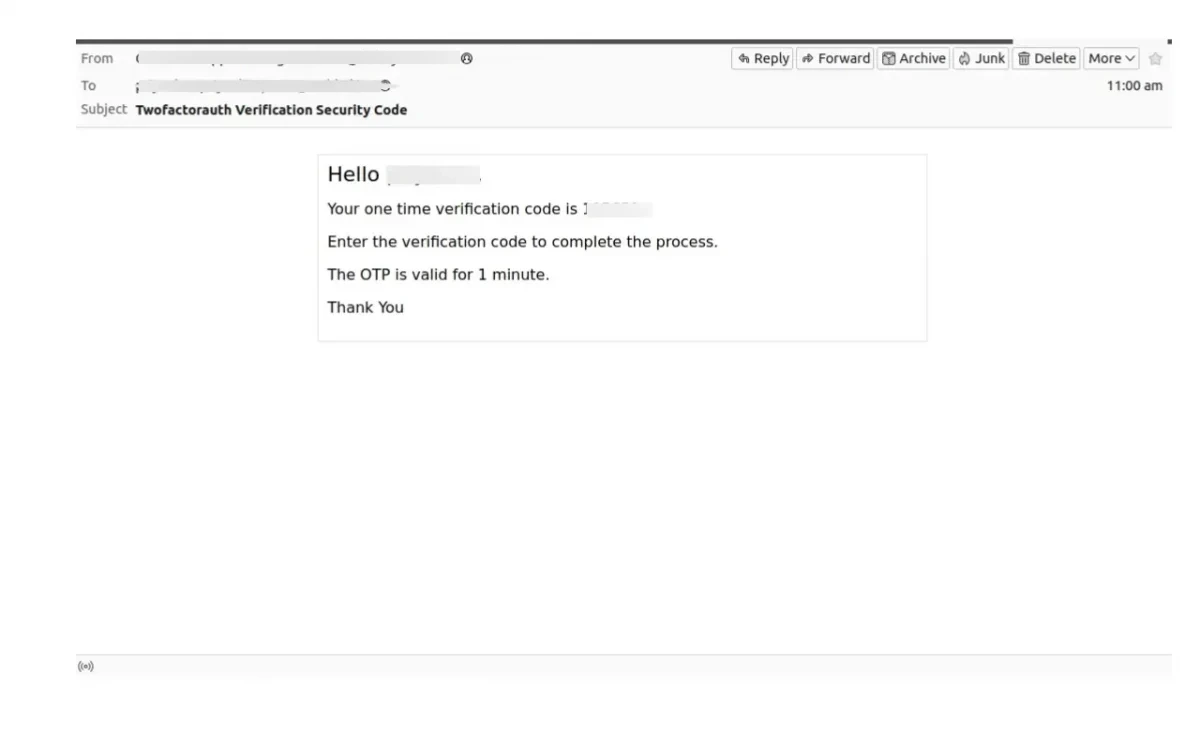
- The customer copies the code from their email, inputs it into the 2FA verification prompt on the storefront, and confirms.
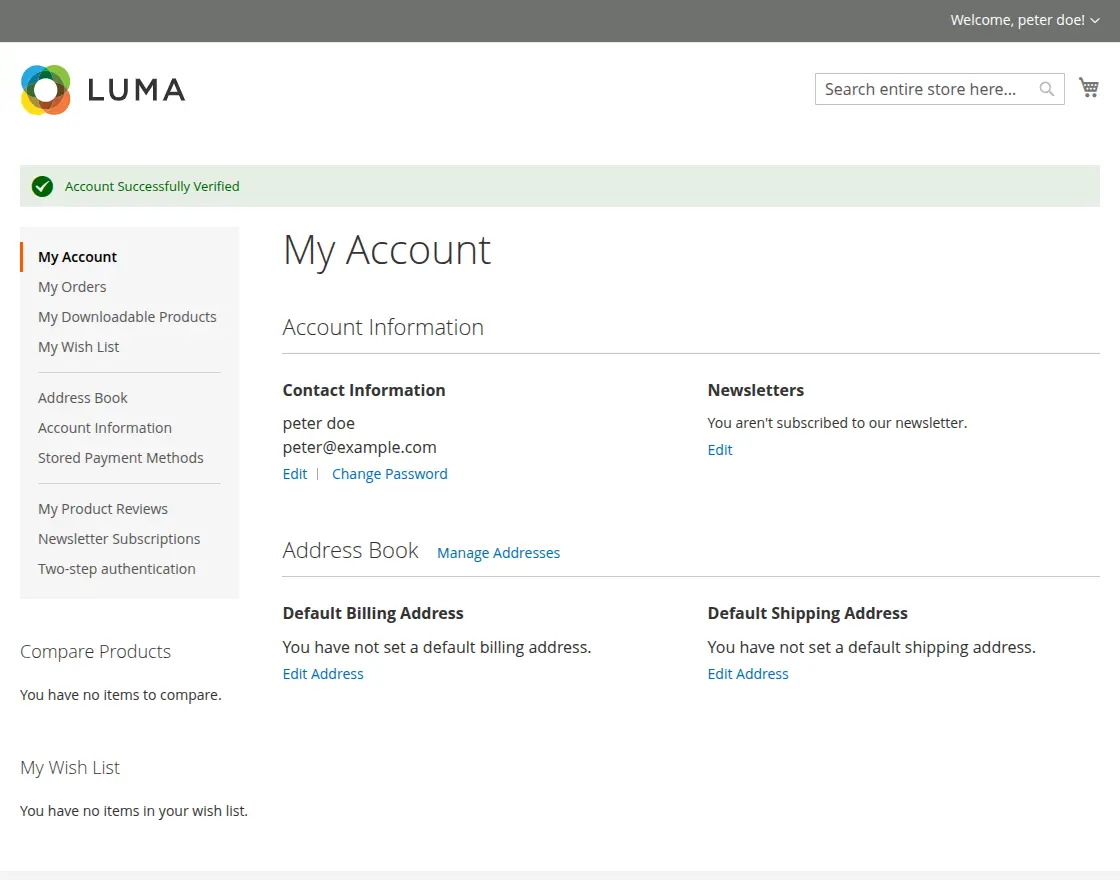
- Once verified, the account registration is completed successfully.
Workflow 2: Existing Customer Login
- The customer enters their email address and password on the storefront login page.
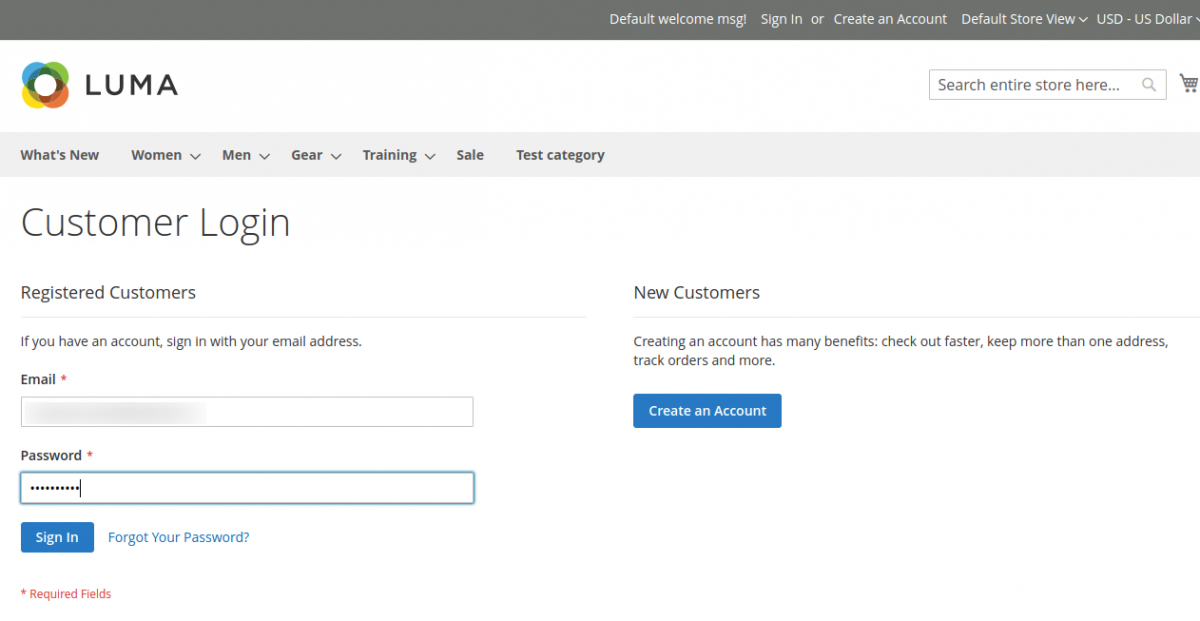
- The 2FA prompt appears on screen and an authentication email is instantly dispatched to their inbox.
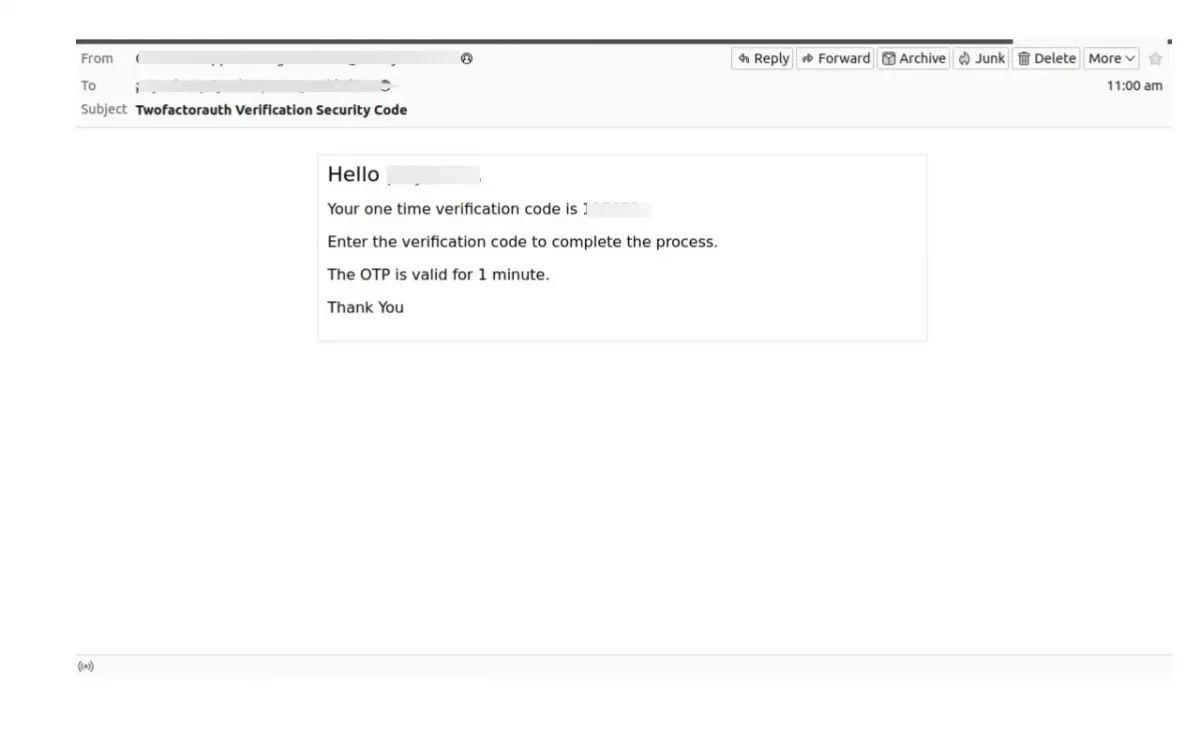
- The customer enters the received OTP into the verification form.
- Upon successful validation, the customer is granted access to their account dashboard.