Uploading Virtual Products
Virtual products represent non-tangible items like services, memberships, warranties, or digital subscriptions that do not require physical shipping or weight calculations.
Virtual Product Upload Workflow
- Go to Mass Upload Product in the seller panel.
- Select the Attribute Set.
- Attach the CSV/XLS/XML file and images ZIP.
- Click Upload Profile.
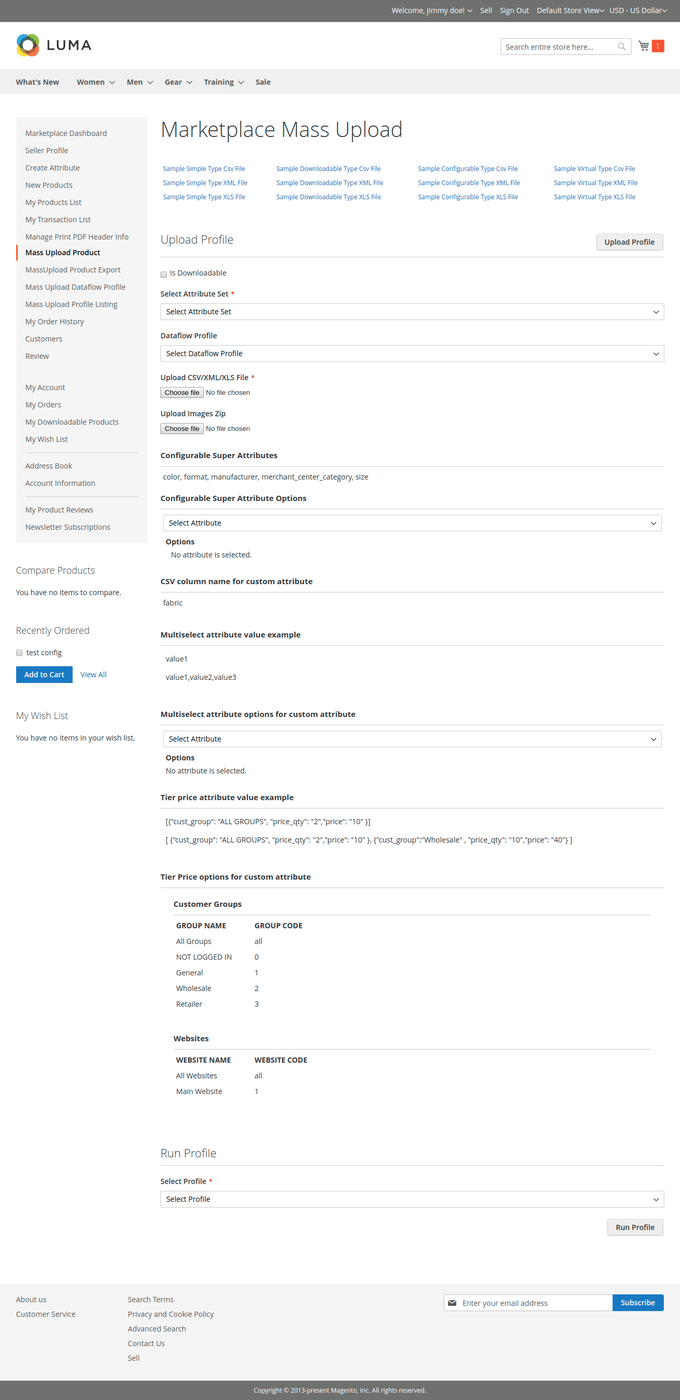
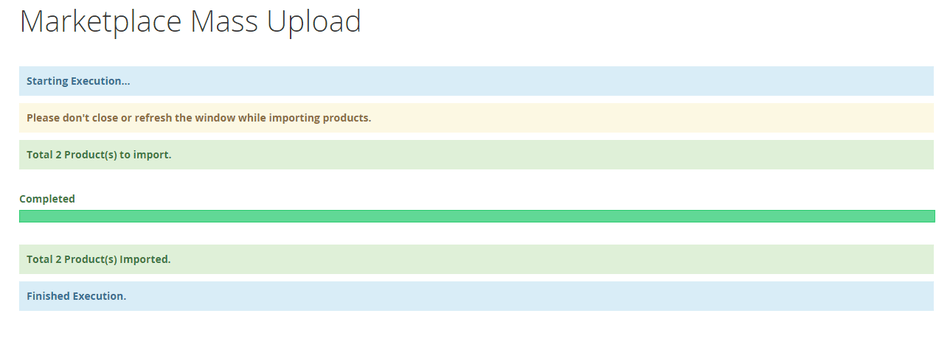
- Select the profile and click Run Profile.
Virtual Product CSV File Format
In the import CSV file, enter all standard product details (SKU, name, price, description, status, tax class), but omit the weight value or leave the weight column blank/unassigned.

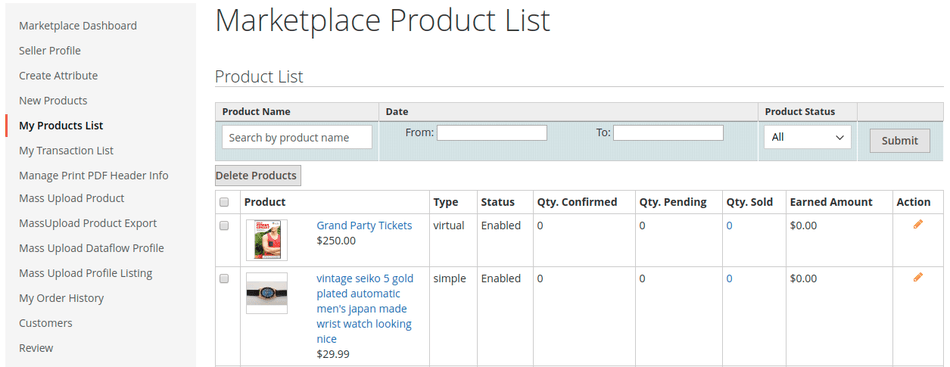
Upon successful profile execution, virtual products will be listed under My Product List: