Uploading Configurable Products
Configurable products allow sellers to offer variations of a product (such as size or color) under a single parent catalog listing.
Configurable Upload Steps
- Navigate to Mass Upload Product in the seller panel.
- Select the Attribute Set containing configurable attributes.
- Upload the CSV/XLS/XML file and image ZIP archive.
- Click Upload Profile.
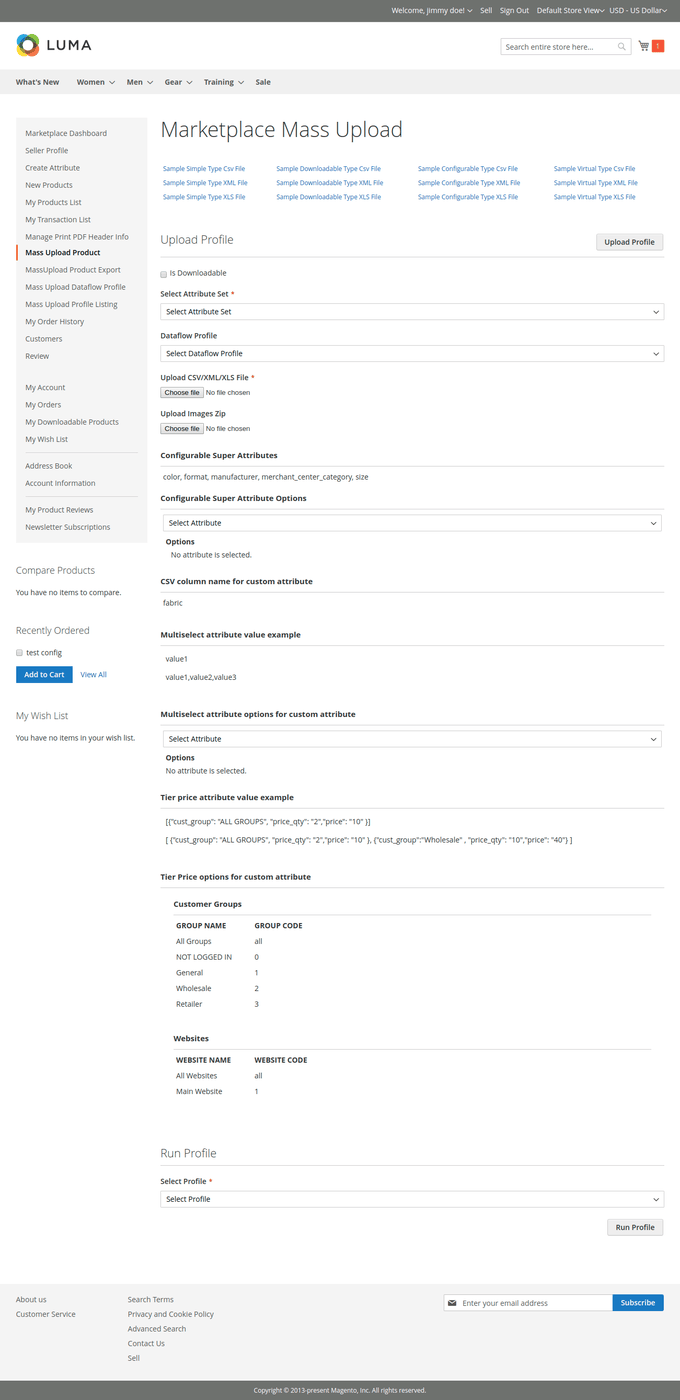
- Select the super attributes used for product variants (e.g.
color,size) from the configurable attributes selector. - Select the created profile and click Run Profile.
Configurable CSV File Structure
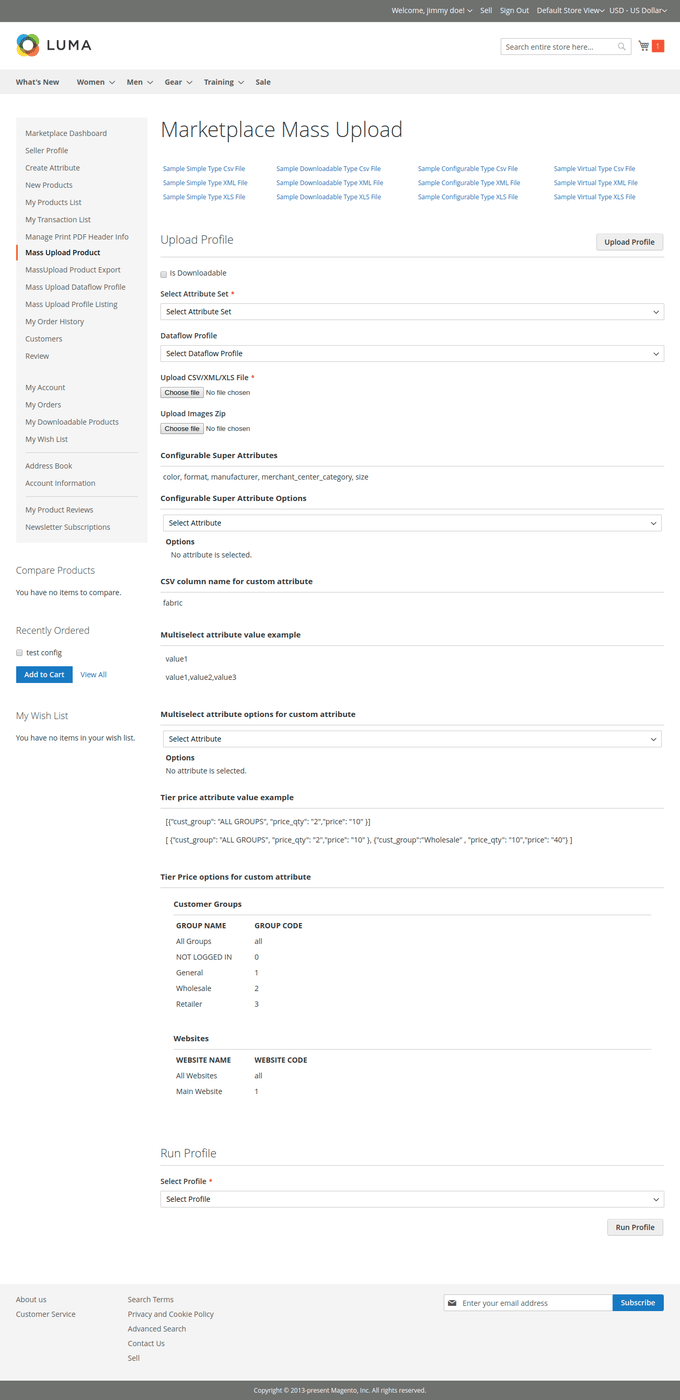
The import file must contain rows for both the parent configurable product and all child simple associated products.

Associated Product Rule
A parent configurable product will not be uploaded if any of its child associated simple product SKUs already exist in the marketplace catalog under another seller or mismatched configuration.
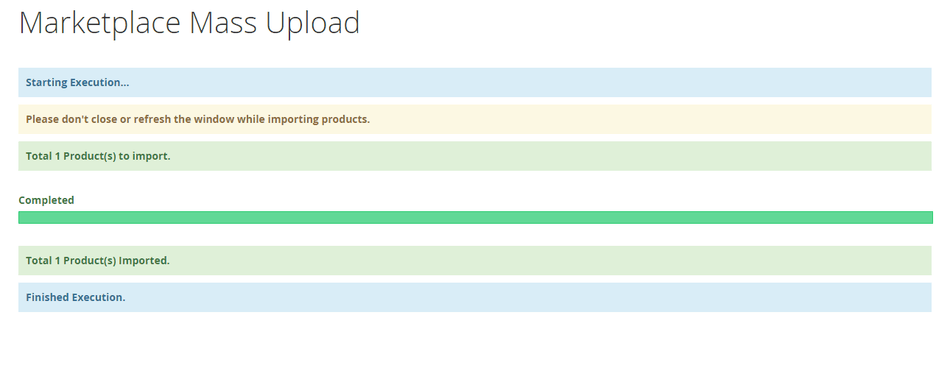
When execution completes successfully, a confirmation message appears:
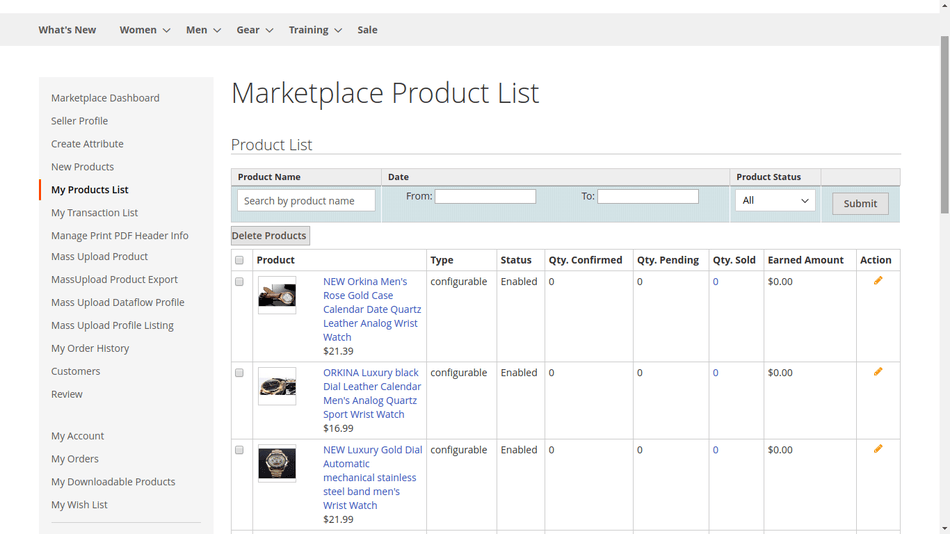
View all created configurable products and their child variations in My Product List: