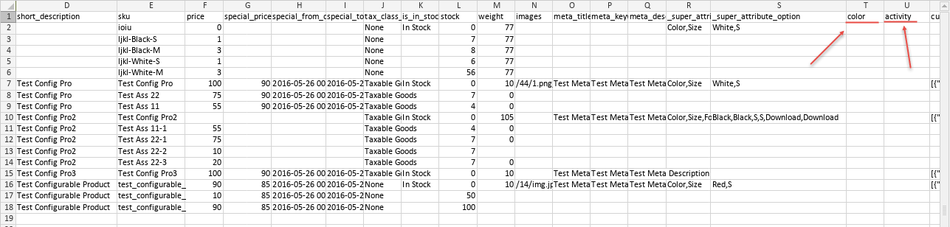
Seller Product Export
Marketplace sellers can export their existing catalog items into CSV files for backup, offline editing, or cross-platform inventory management.
Exporting Seller Products
- In the seller panel, go to Marketplace > Mass Upload Product Export.
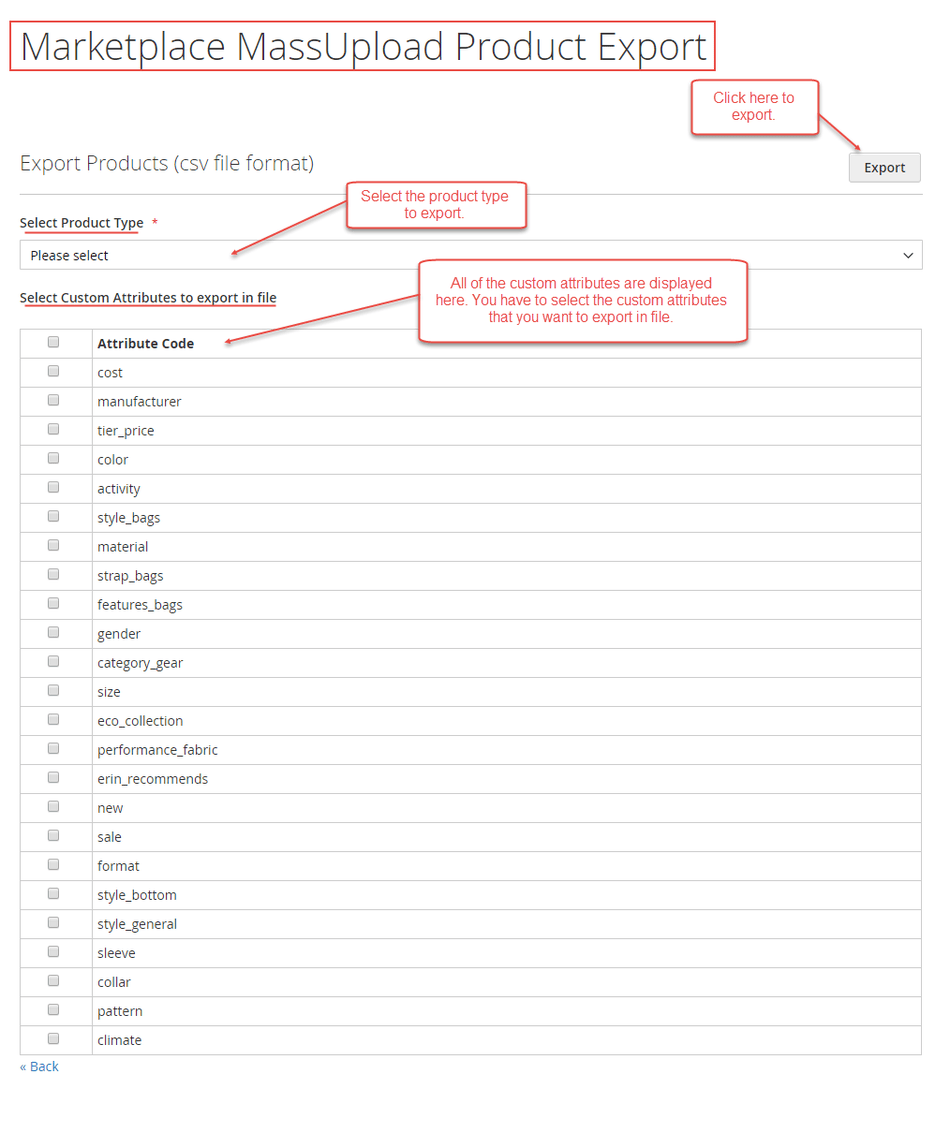
- Select the Product Type to export (Simple, Configurable, Virtual, or Downloadable).
- Select any Custom Attributes you wish to include as columns in the exported file.
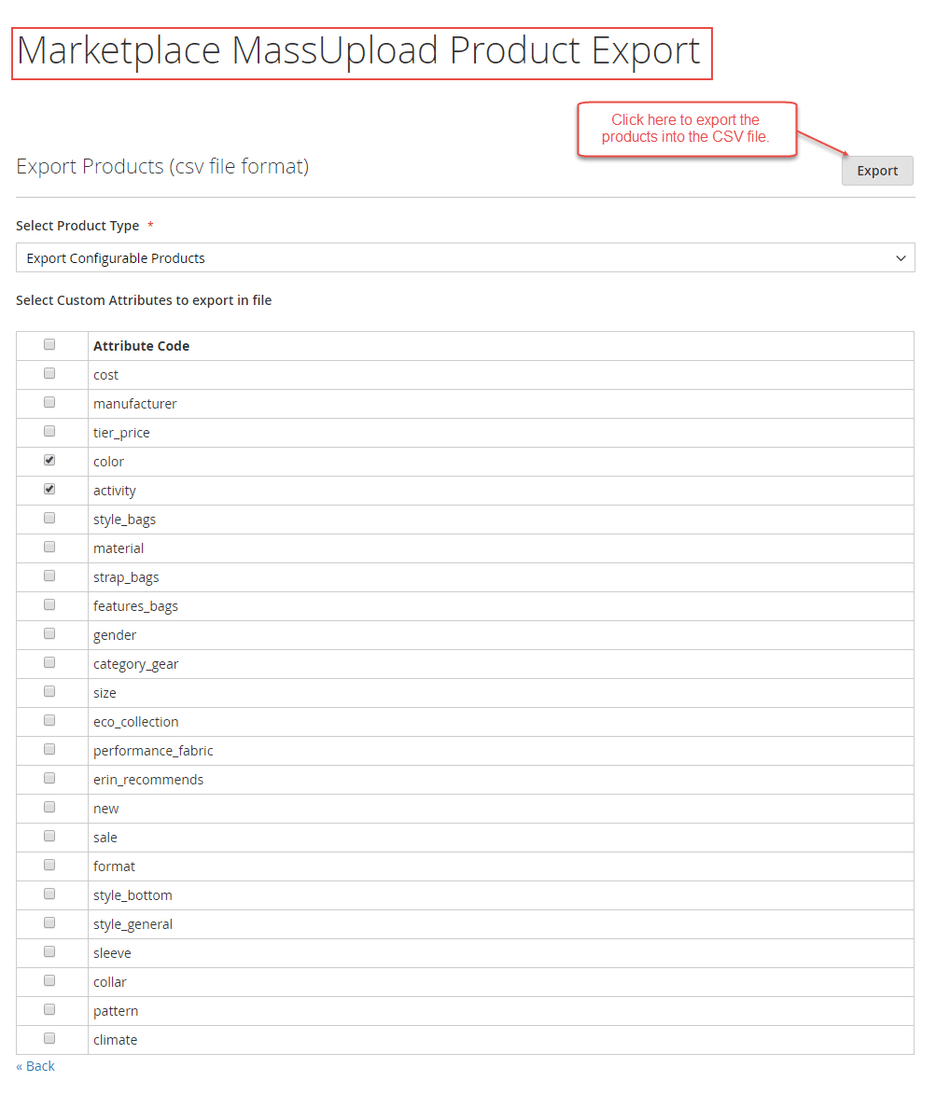
- Click Export. The browser will download a generated
.csvfile containing the selected product data and attributes.