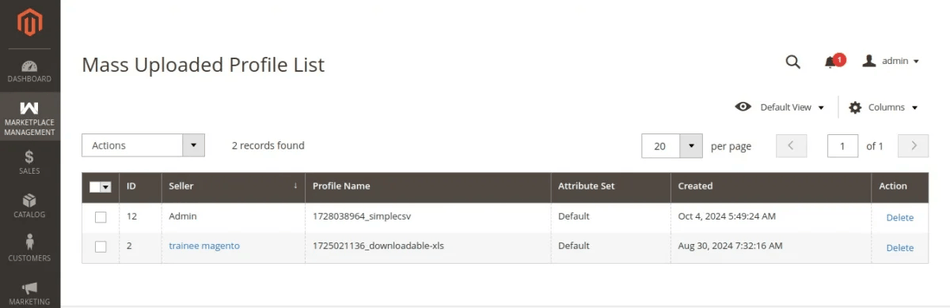
Admin Dataflow, Export & Profile Listing
Administrators have central control over column mapping, catalog exports per seller, and profile cleanup.
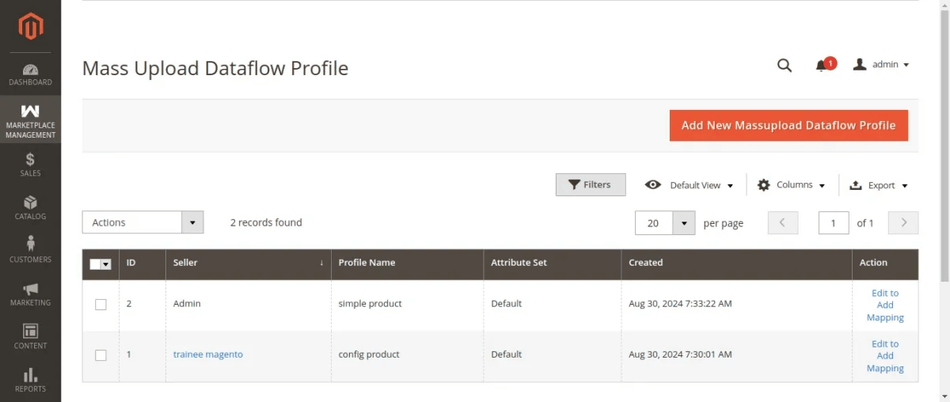
Admin Mass Upload Dataflow Profile
Administrators can set up global field mapping profiles:
- Click Mass upload Dataflow Profile in the admin mass upload manager.
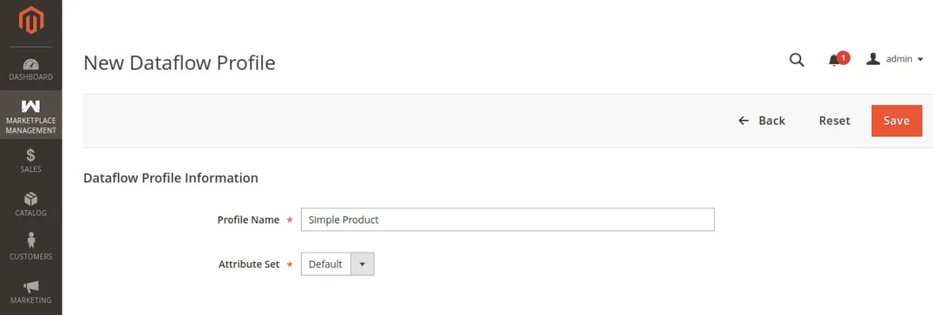
- Enter the Profile Name and select the target Attribute Set.
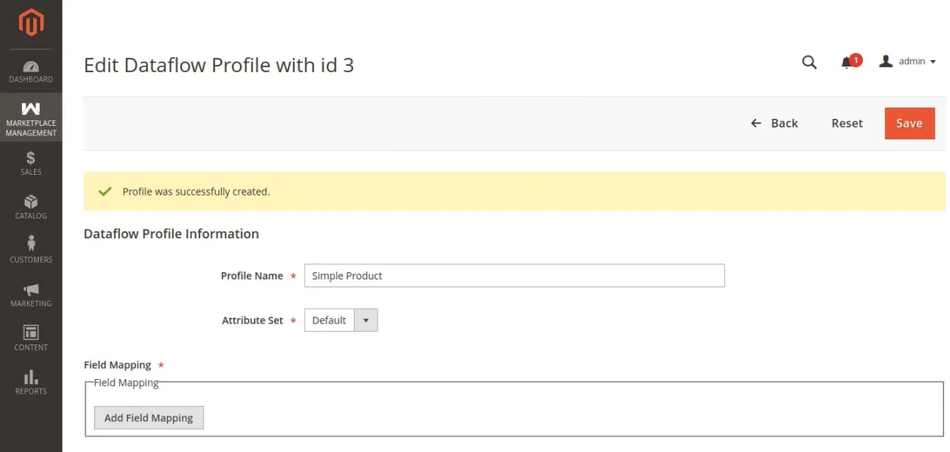
- Map the In File Name (custom CSV header) to the corresponding Magento Database Attribute and click Save.
Admin Mass Product Export
Administrators can export products for any seller:
- Navigate to Marketplace Management > Manage Mass Product Export.
- Select the target Seller.
- Select the Product Type to export.
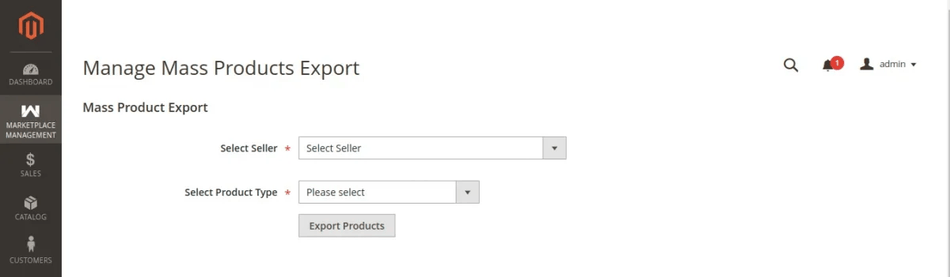
- Click Export to download the CSV file.
Admin Mass Upload Profile Listing
To inspect or remove unexecuted profiles across all sellers:
- Navigate to Marketplace Management > Mass Upload Profile Listing.
- Filter profiles by seller or status, and delete obsolete or failed profile records.