Purchase Orders & PO Print
When a quotation is confirmed, it is automatically converted into an official Purchase Order (PO). The Purchase Order serves as a legally binding procurement agreement instructing the supplier to deliver goods under agreed terms.
Managing Purchase Orders
To view and manage all active, completed, or cancelled purchase orders:
- Navigate to Purchase Management > Purchase Order.
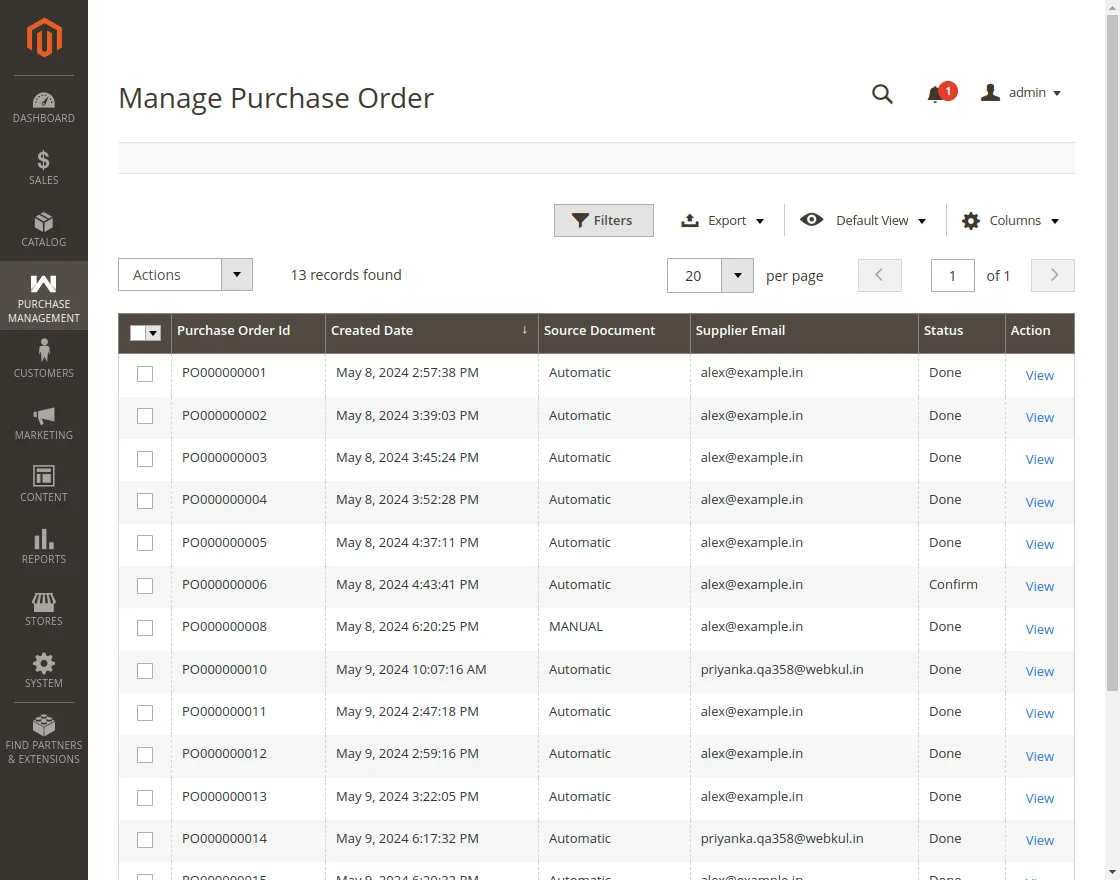
- The Purchase Orders grid lists all orders (both automatically generated replenishment orders and manually initiated quotes):
- Order ID / Increment ID
- Quotation ID
- Supplier Name & Email
- Order Date
- Grand Total
- Order Status (
Complete,Pending,Canceled) - Action (
View,Print)
Viewing Purchase Order Details
Click View on any purchase order to open its full invoice and order overview:
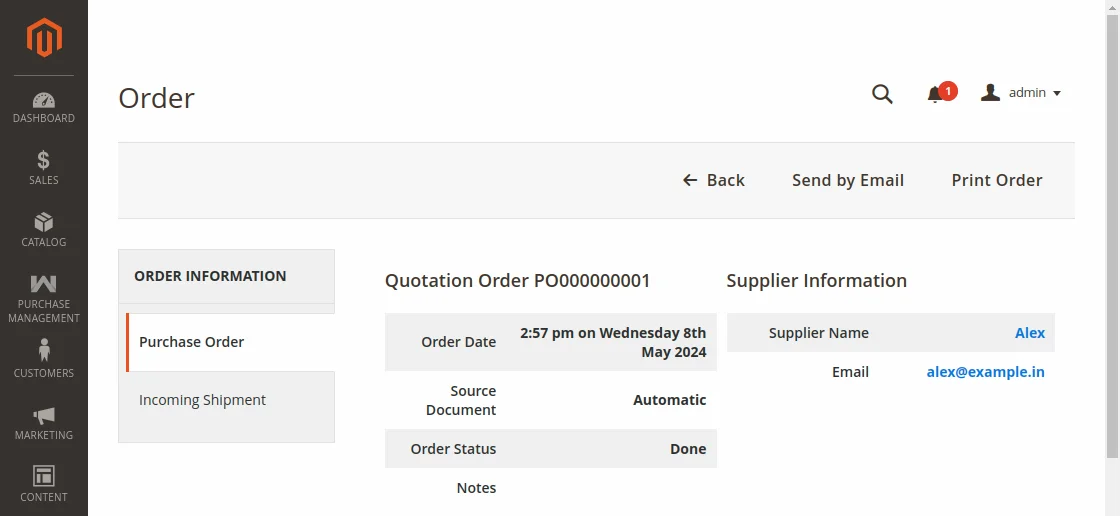
The details page includes:
- Order Header Information: Purchase Order Number, Order Date, Order Status, Source Document reference.
- Supplier Contact Block: Company, contact name, telephone, email, and shipping address.
- Items Ordered Breakdown: Product name, SKU, unit weight, negotiated cost price, quantity ordered, and subtotal.
- Activity Log & Comments: Complete audit trail of order timestamps, dispatched emails, and vendor notes.
Primary Actions
- Send by Email: Sends the official Purchase Order document to the supplier's registered email address.
- Print Order: Generates a high-resolution, formatted PDF document ready for physical dispatch, archival, or accounting export.
Printed Purchase Order PDF Sample
Clicking Print Order utilizes Magento's PDF rendering engine to generate a formal purchase order:
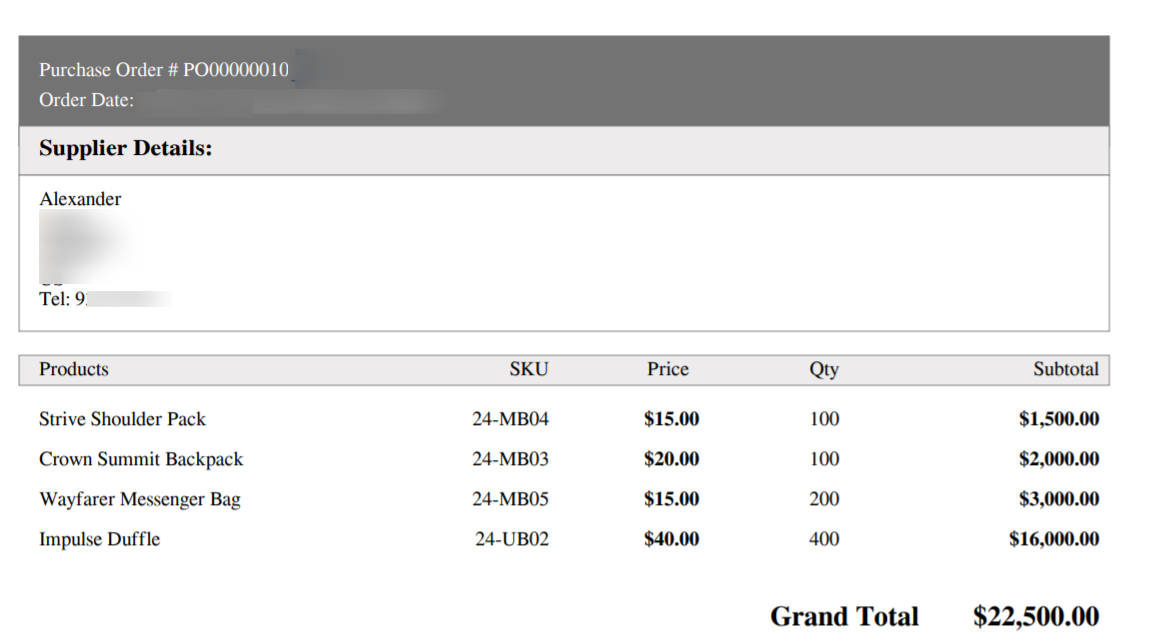
The PDF contains:
- Store name, logo, and registered business address.
- Official Purchase Order Increment ID and issue date.
- Supplier information and delivery destination.
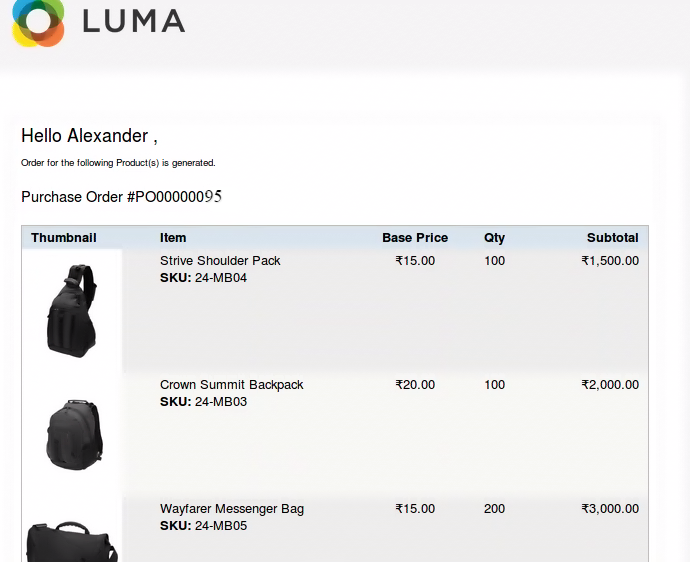
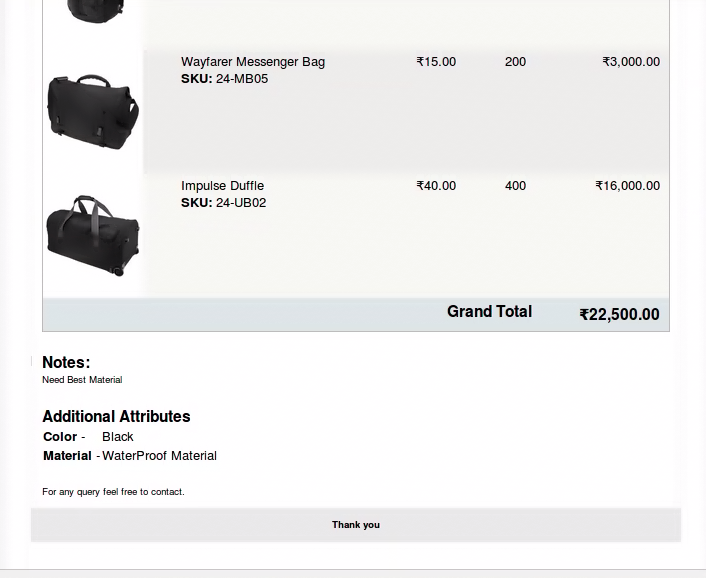
- Itemized table with SKUs, descriptions, quantities, unit prices, taxes, and grand totals.
Purchase Order Email Notification
When emailed to the supplier, the notification contains the order agreement and shipping schedule: