
Warehouse Shipping Rules Management
Warehouse managers can maintain their own localized table rate shipping rules directly from their portal, ensuring courier fees align with their dispatch agreements and regional freight costs.
Accessing Warehouse Shipping Rules
In the warehouse portal sidebar, click on Manage Shipping Rule under Vendor Dropship Menu.
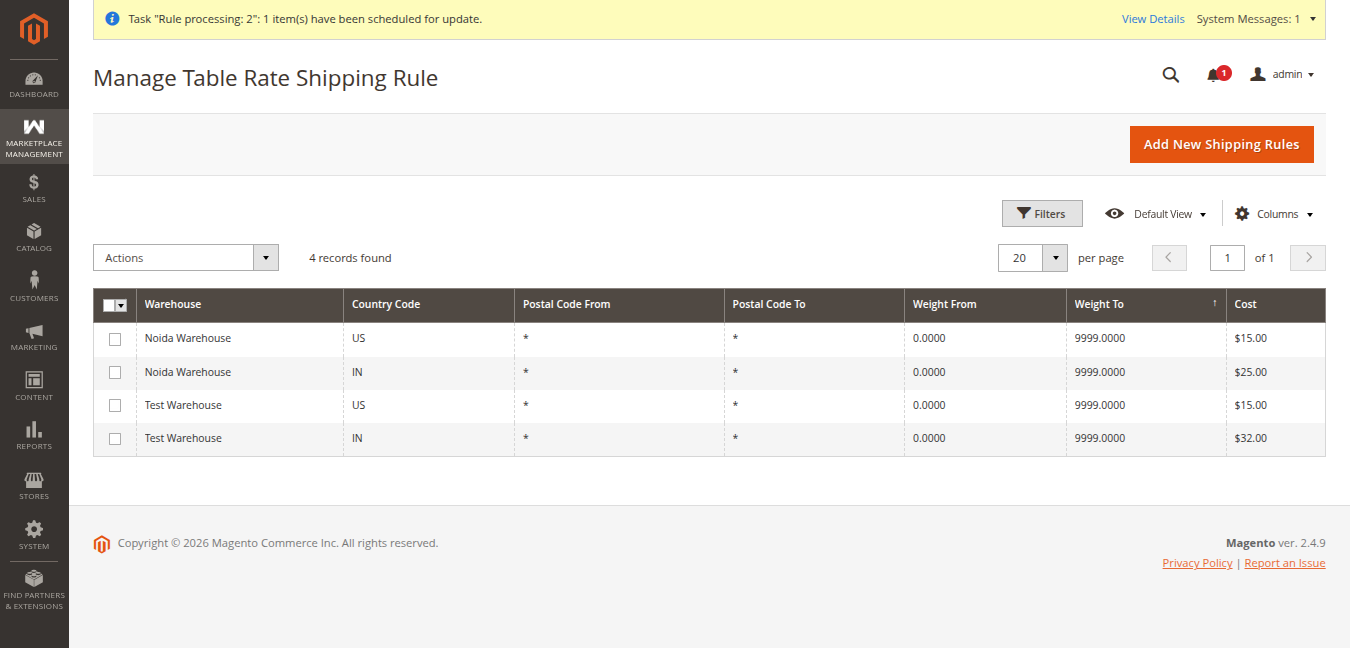
Adding Warehouse Shipping Rates
To define new table rates for this warehouse:
- Click Add New Shipping Rules.
- The import rate modal opens:
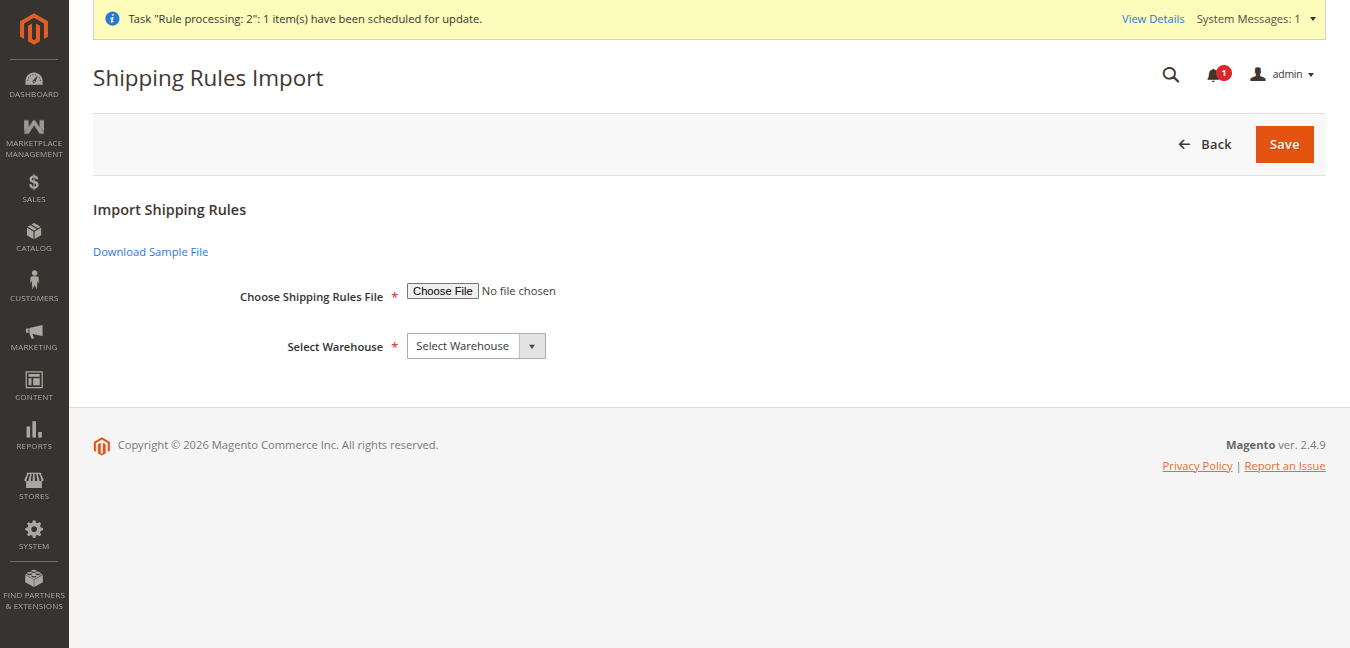
- Download the sample CSV file.
- Fill in destination criteria (Country, State, Zip range, Weight limits, and Rate).
- Select the CSV file via Browse and click Save.
The newly uploaded shipping matrix immediately takes effect for customer orders fulfilled through this warehouse.
Removing Obsolete Rules
Warehouse managers can remove expired or outdated courier rates:
- Select the rules to remove in the grid.
- Select Delete from the Actions menu.
- Confirm deletion to update the shipping table.