
Activate & Connect
Configure locale settings and language translation for Magento 2 Price Drop Alert.
Multi-Lingual Configuration
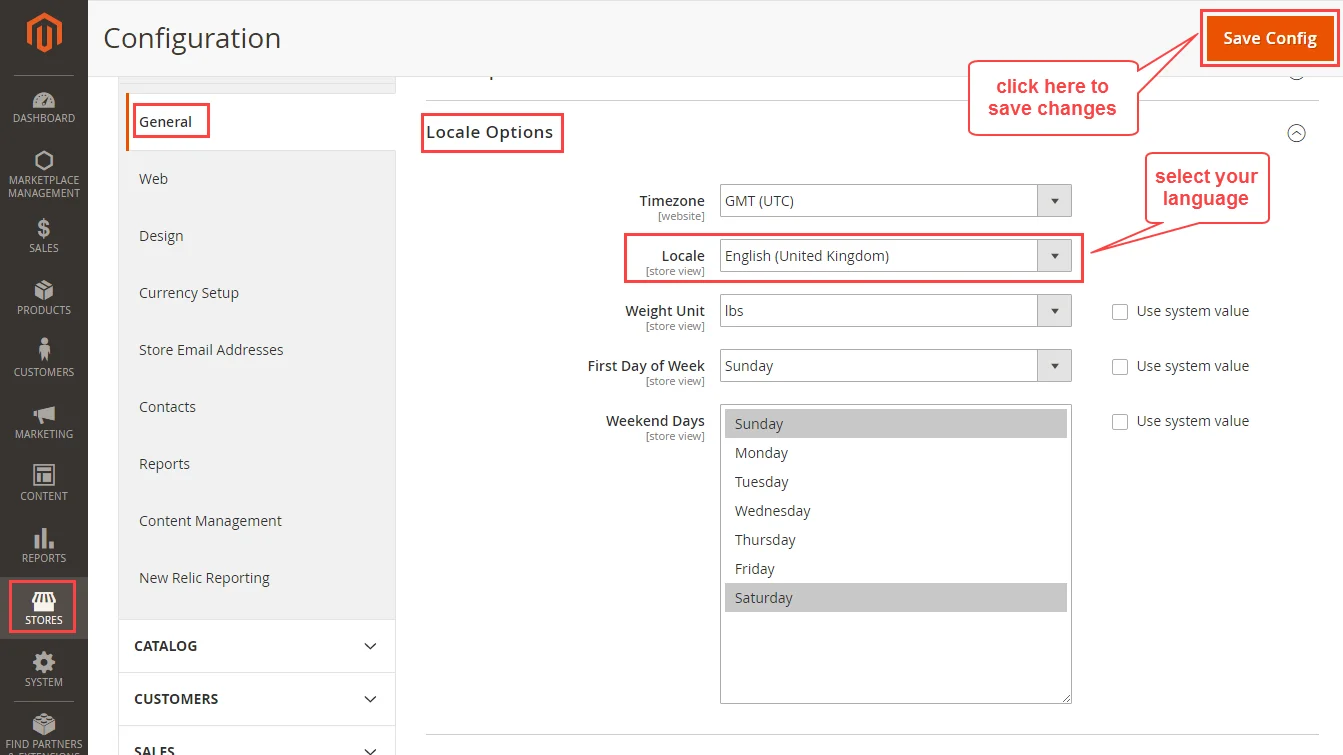
- Log into the Magento Admin Panel.
- Navigate to Stores > Configuration > General > General.
- Expand Locale Options.
- Select your target store language in the Locale drop-down menu.
- Click Save Config.
Language Translation
To translate module UI text into another language (e.g., German de_DE):
- Locate the default translation file:
app/code/Webkul/PriceDropAlert/i18n/en_US.csv
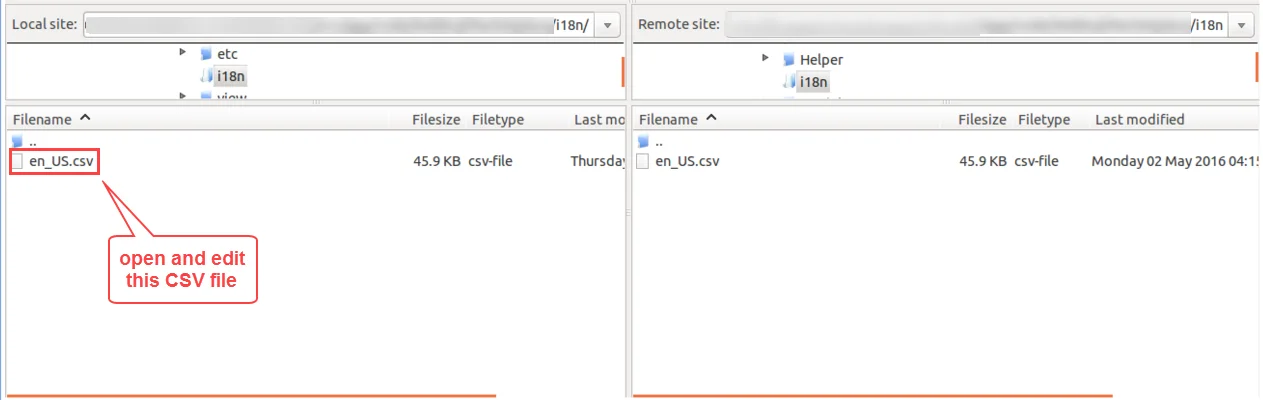
Duplicate and rename the file according to your language and region code (e.g.
de_DE.csv).Open
de_DE.csvand translate the text on the right side of the comma,:
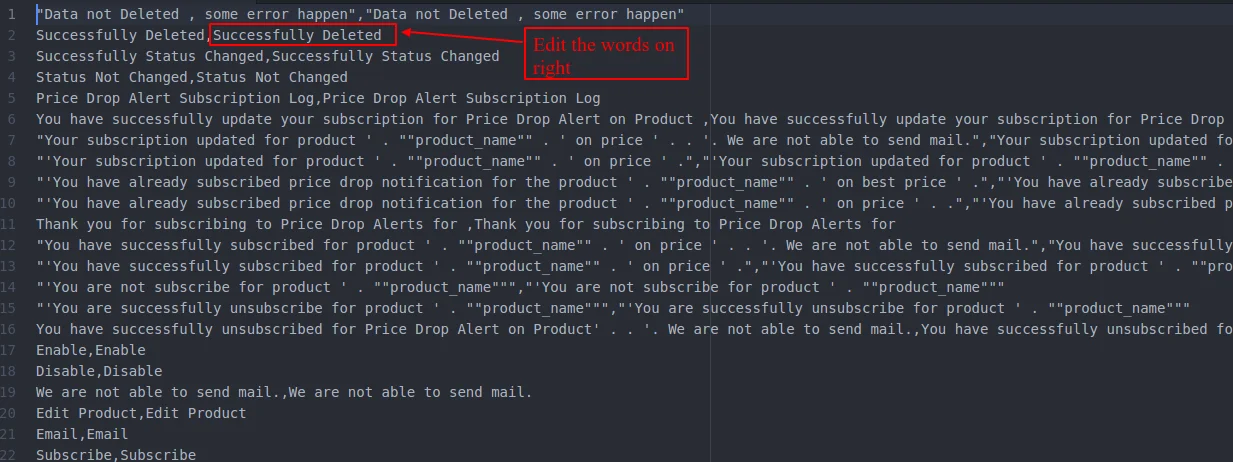
"Price Drop Alert","Preisalarm"
"Subscribe for Price Drop","Für Preisalarm anmelden"
"Unsubscribe","Abmelden"
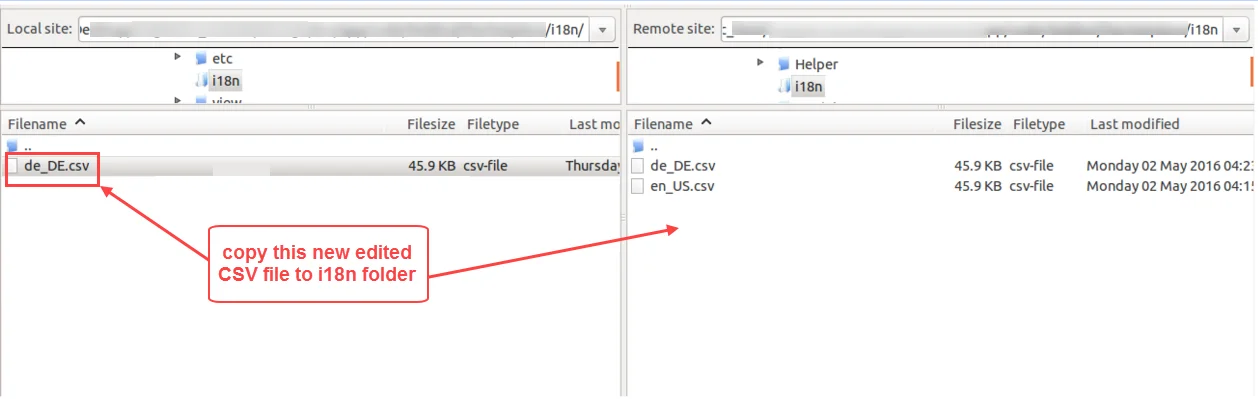
- Upload the translated file back to
app/code/Webkul/PriceDropAlert/i18n/de_DE.csv.
- Flush the cache using
php bin/magento cache:flush.