
Hyvä Theme Support
The Webkul MultiWishlist Hyvä extension provides native, high-performance compatibility with Hyvä Themes. It replaces legacy Luma JavaScript libraries with lightweight Alpine.js state management and utility-first Tailwind CSS styling.
Overview
When running a Hyvä-powered storefront, the compatibility extension (Webkul_MultiWishlistHyva) automatically takes over frontend templates and layout renders. It ensures that all multi-wishlist modals, buttons, dashboards, and popups match the lightning-fast performance and clean aesthetics of Hyvä Themes.
Features on Hyvä Storefront
1. Product Detail Page (PDP) & Category Listings (PLP)
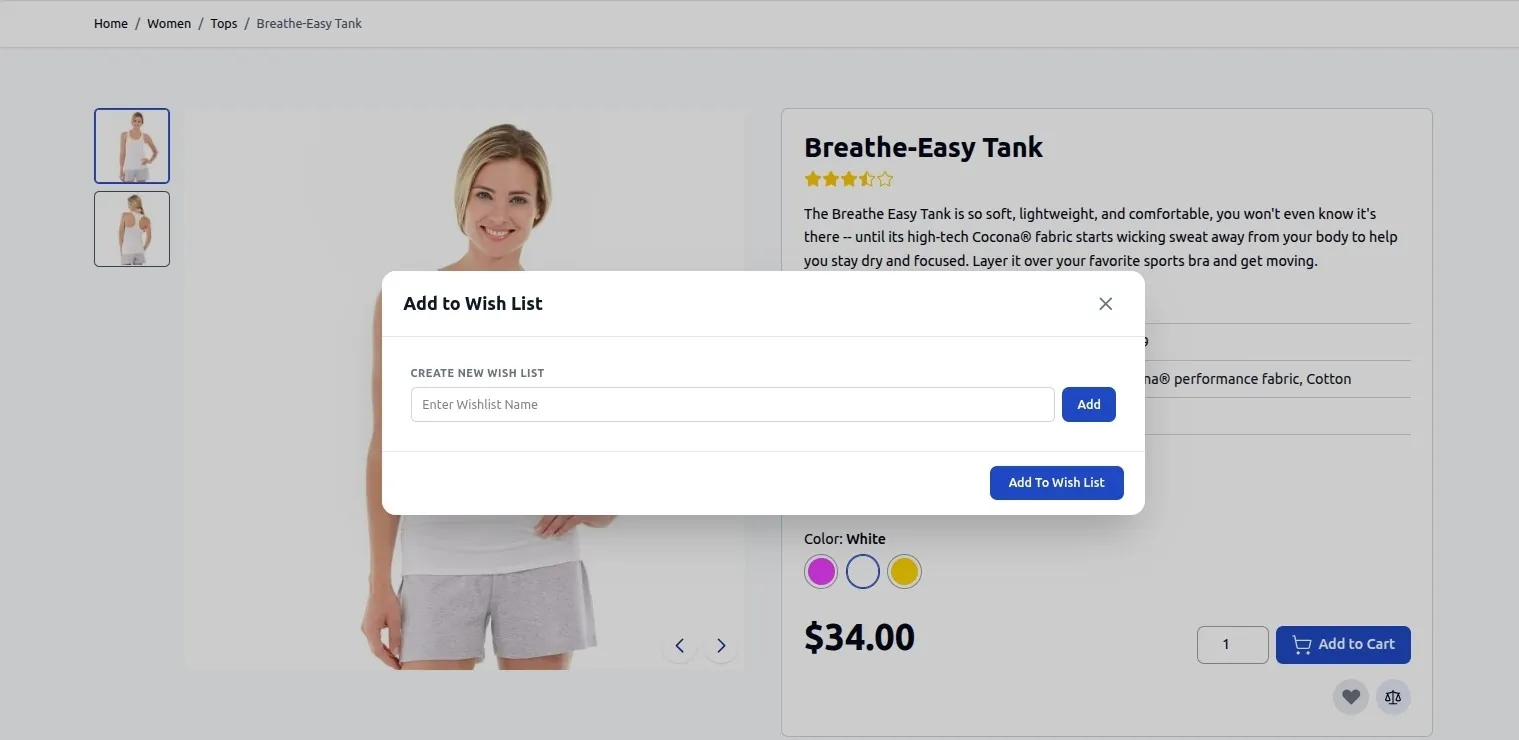
- Wishlist Trigger: Product cards on category listing pages and the product view block on product detail pages feature a responsive heart icon / Add to Wish List button.
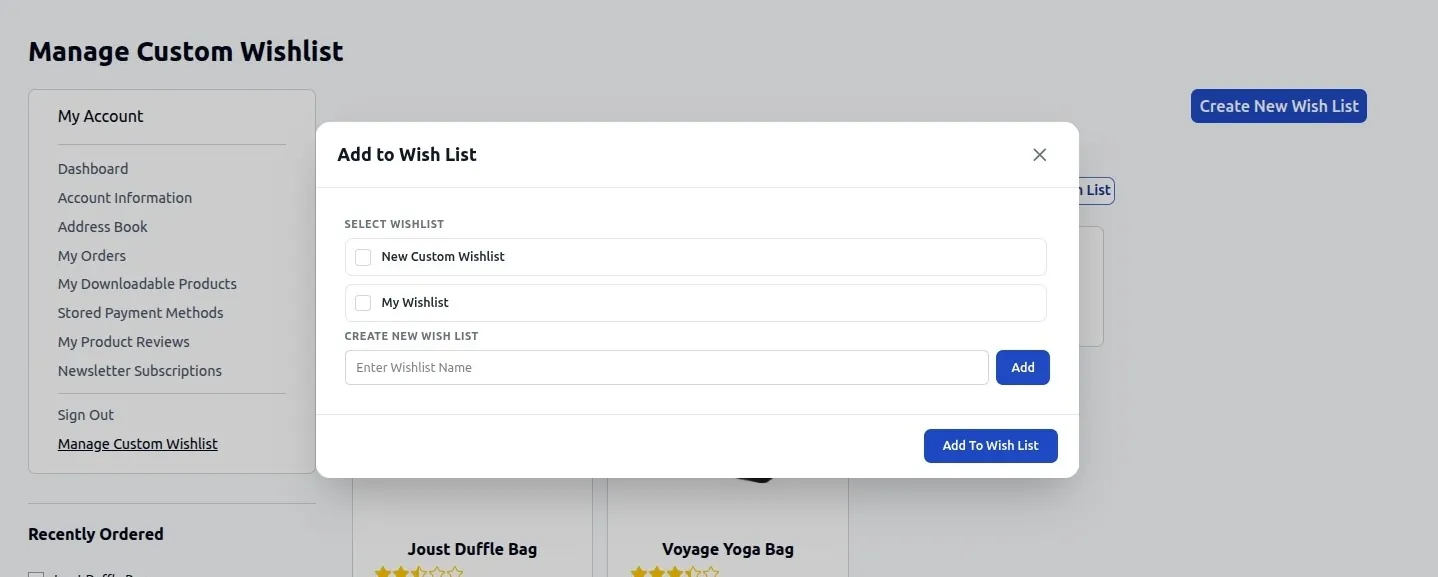
- Interactive Selection Modal: Clicking Add to Wish List opens a fast, lightweight Alpine.js modal allowing shoppers to select an existing wishlist or create a new wishlist on the fly.
2. Customer Dashboard — Manage Wish List
Inside My Account > Manage Wish List, custom wishlists are displayed in clean Tailwind CSS card sections with real-time item counts:
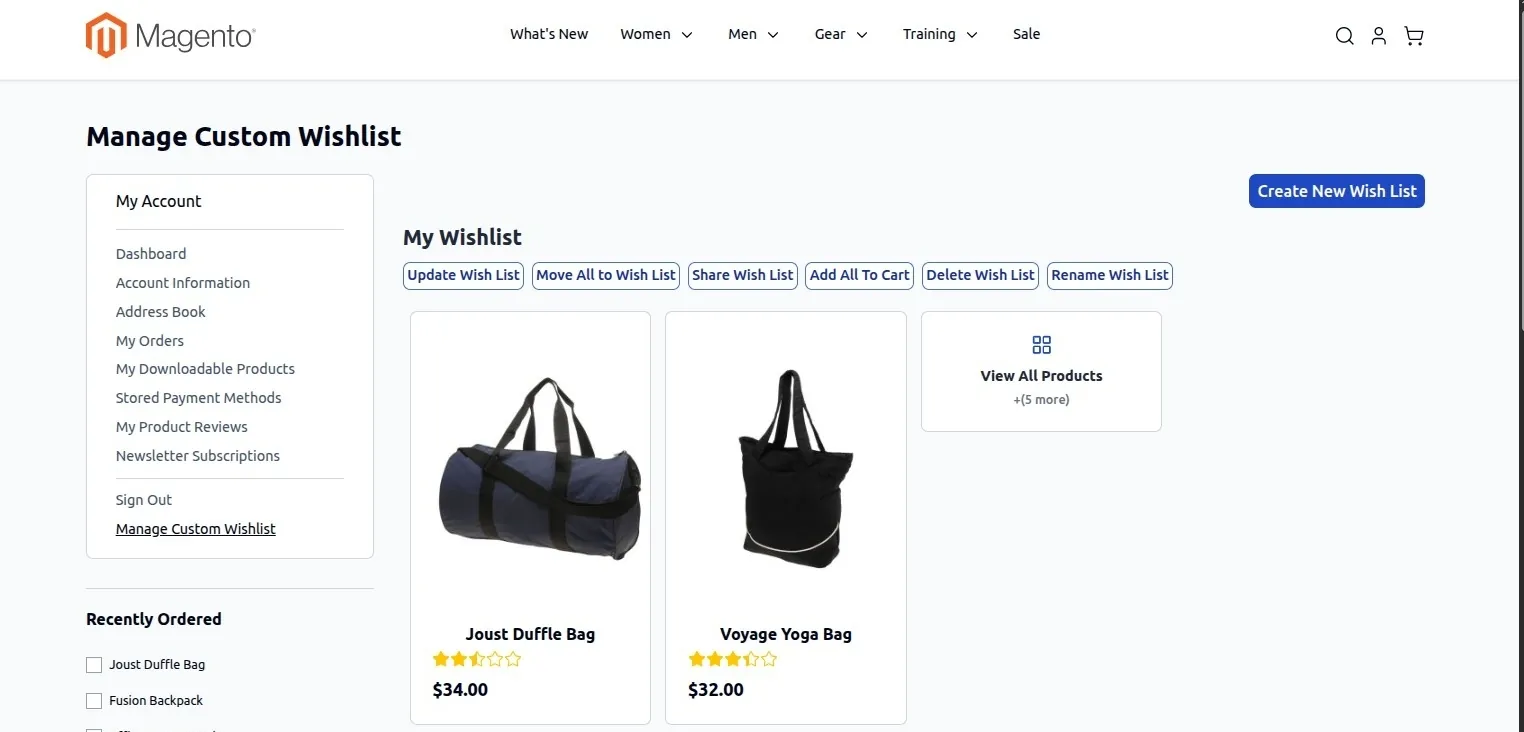
- Create New Wish List: Triggers an interactive modal to quickly create a named wishlist container.
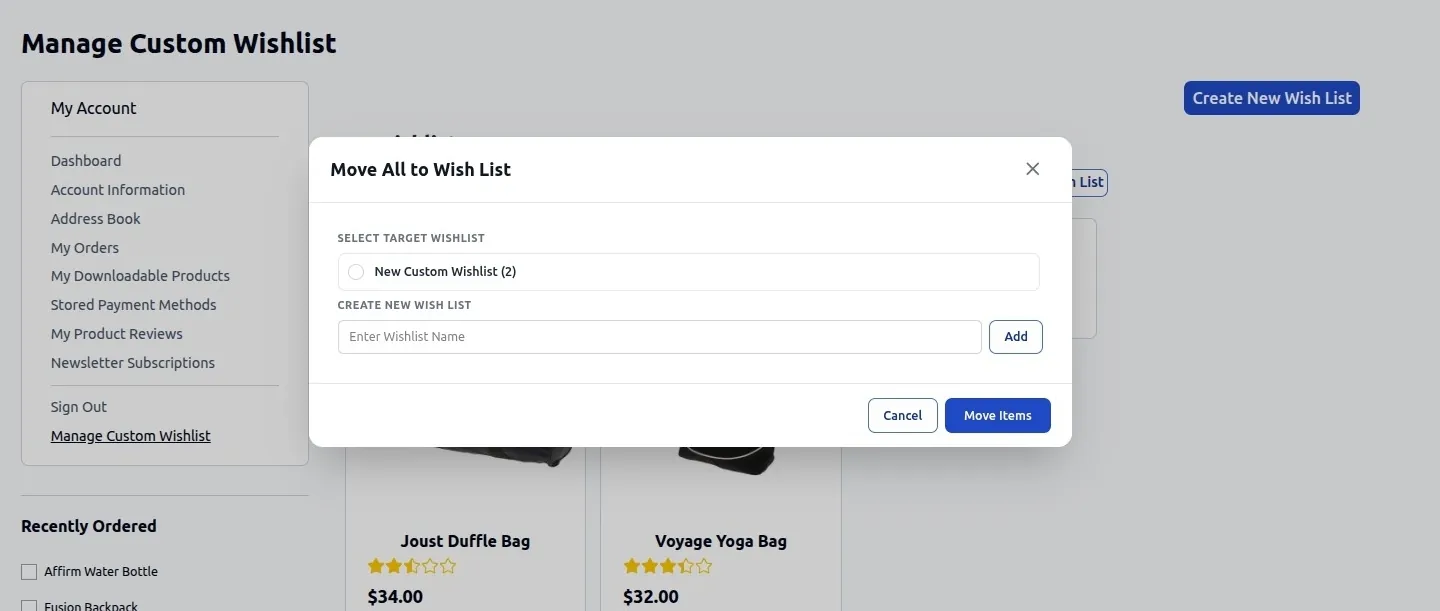
- Move All to Wish List: Opens a dialog to bulk-transfer all saved items from one wishlist into another selected or new wishlist.
- Rename Wish List: Opens a dialog to update custom wishlist titles.
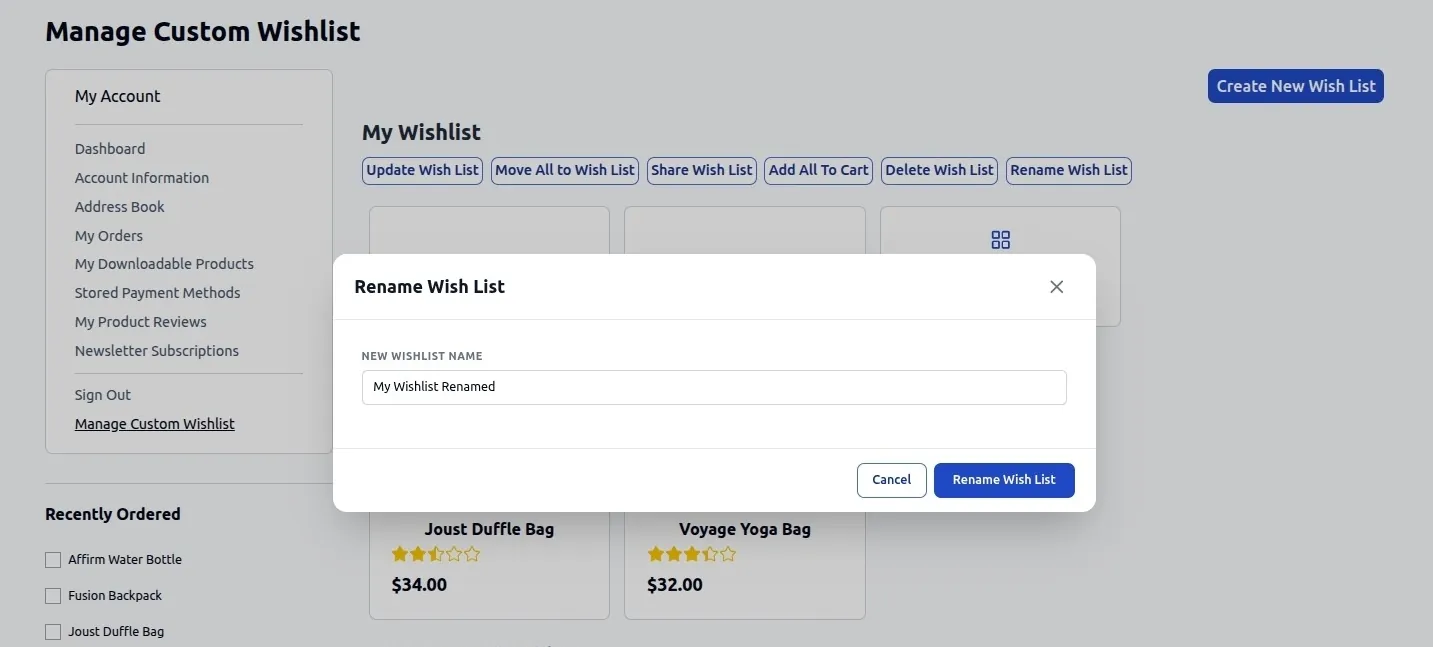
- Delete Wish List: Prompts a confirmation dialog before removing custom wishlists.
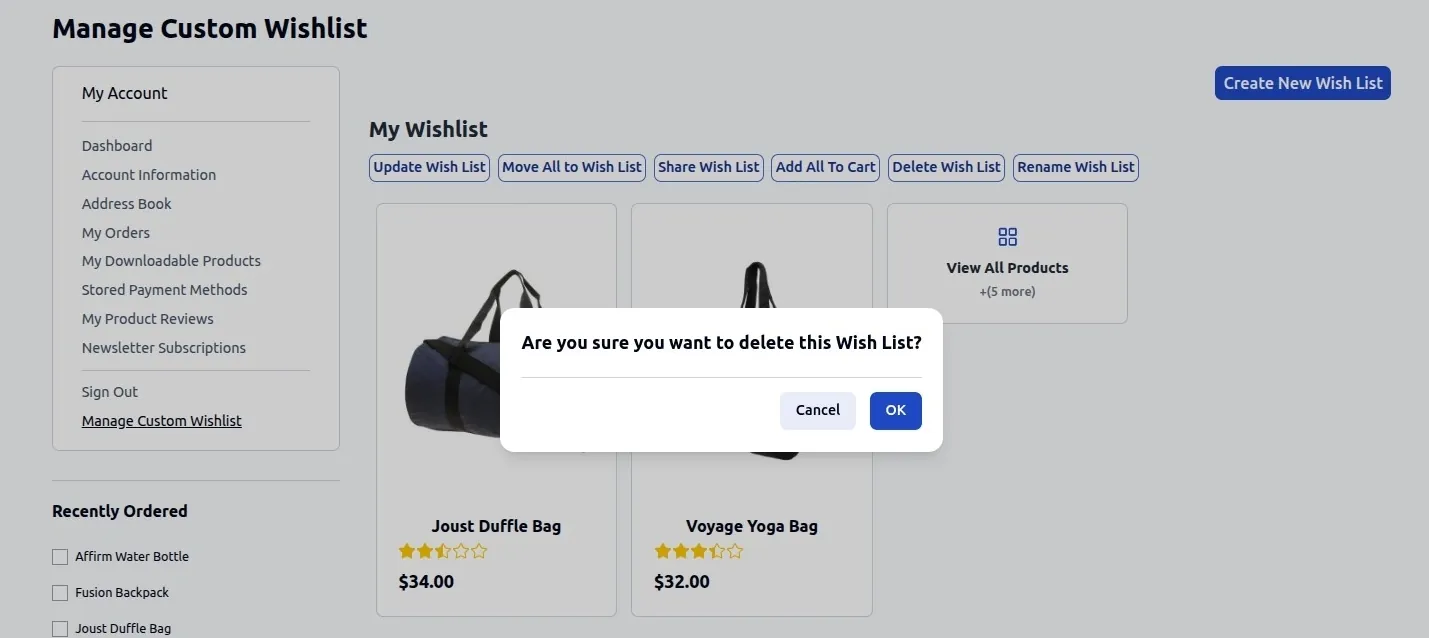
3. Shopping Cart Integration
- Move to Wishlist from Cart: Adds a Move to Wish List action directly inside Hyvä shopping cart item renderers, allowing shoppers to move items from their active cart into any custom wishlist without navigating away.
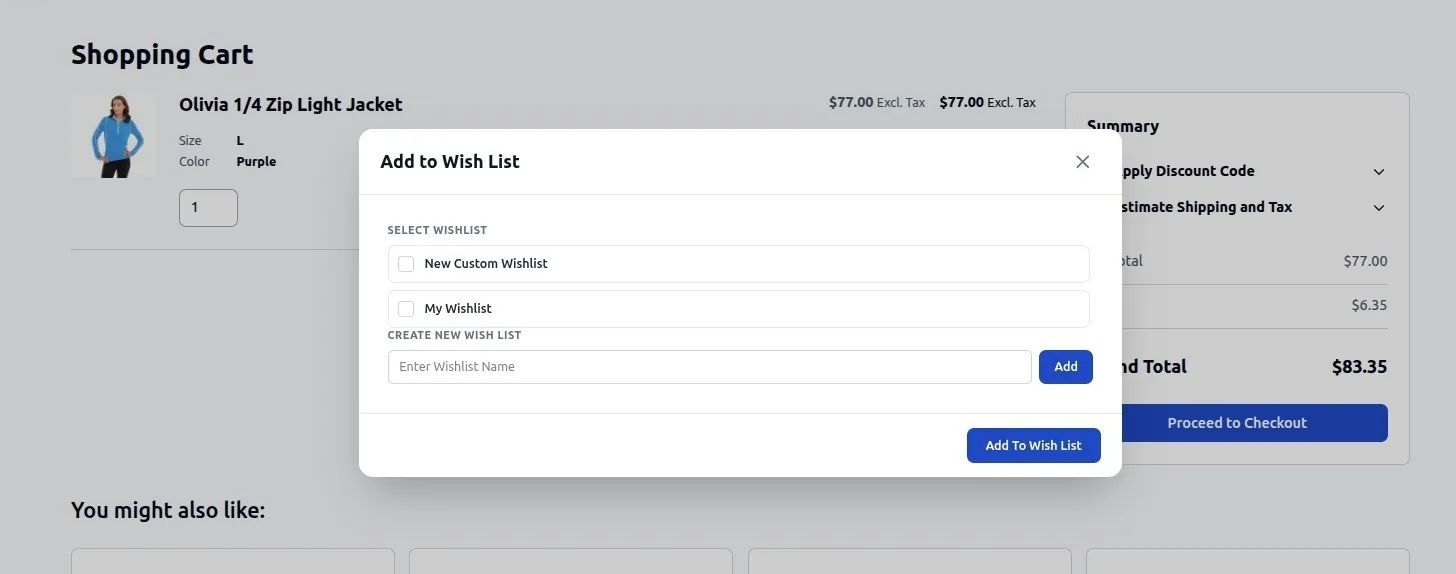
4. Guest Wishlist on Hyvä
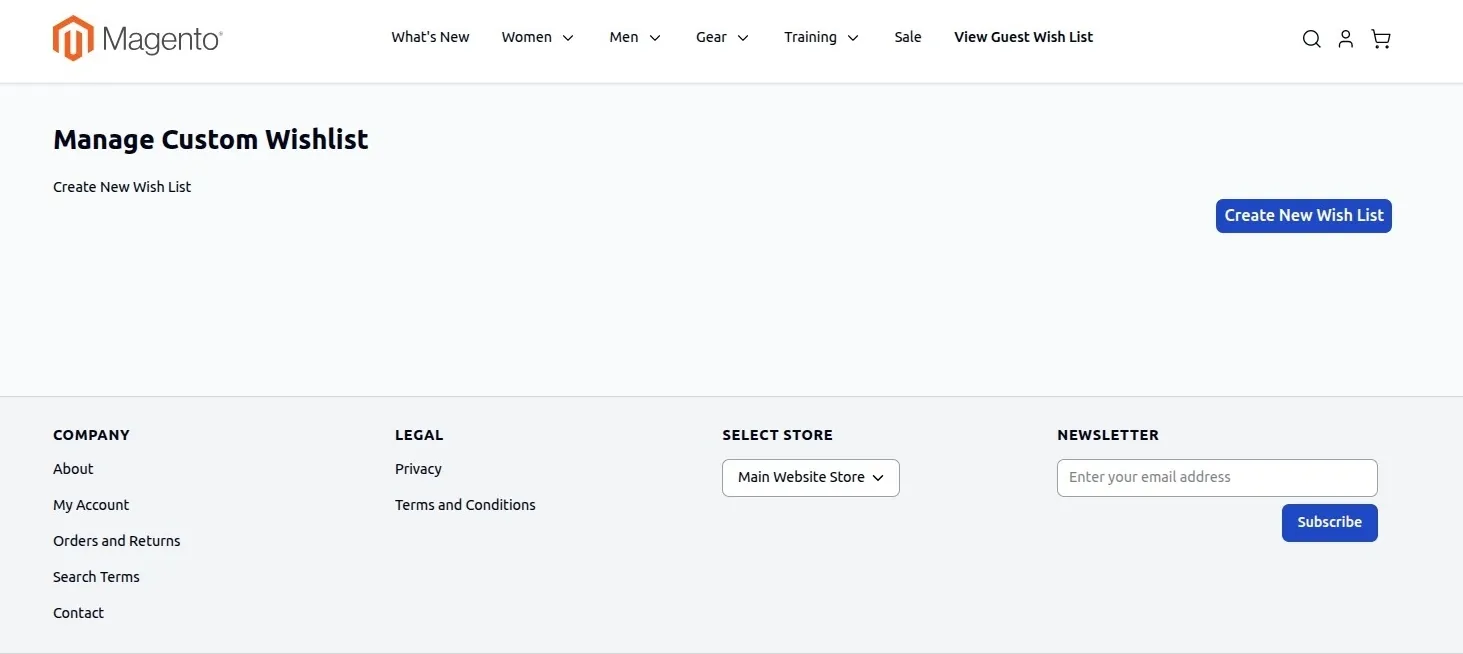
- Guest visitors browsing a Hyvä storefront can add items to temporary guest wishlists.
- When the guest logs in or registers, their saved guest items automatically merge into their permanent customer account wishlist.
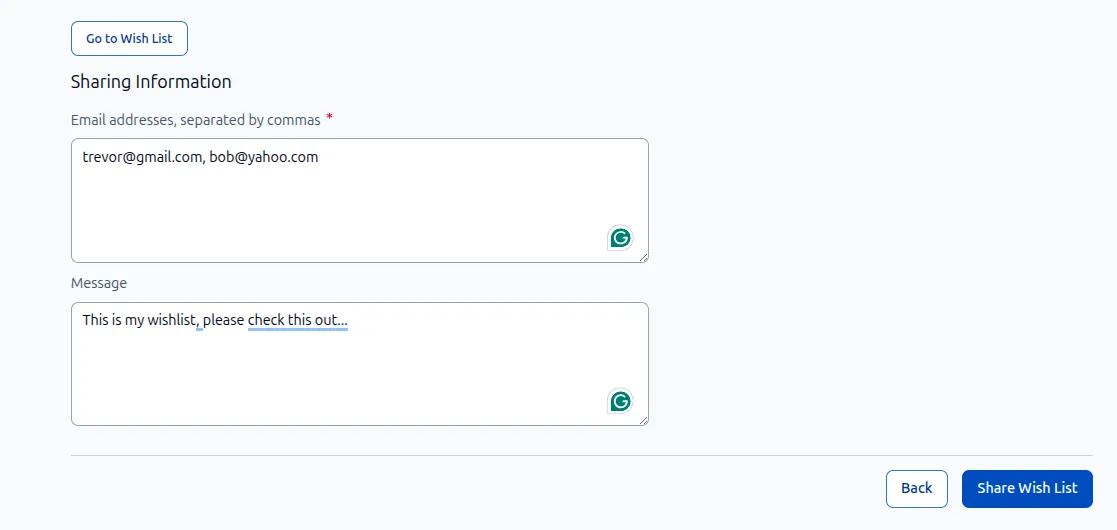
5. Wishlist Sharing on Hyvä
- Styled with Hyvä Tailwind form components, allowing customers to enter recipient emails and custom personal messages cleanly.
Installation & Setup for Hyvä
- Download and upload both module packages to your server:
app/code/Webkul/MultiWishlist/app/code/Webkul/MultiWishlistHyva/
- Run standard Magento deployment commands:
php bin/magento setup:upgradephp bin/magento setup:di:compilephp bin/magento cache:flush
- The compatibility module automatically registers with Hyvä's fallback registry and handles template overrides seamlessly.