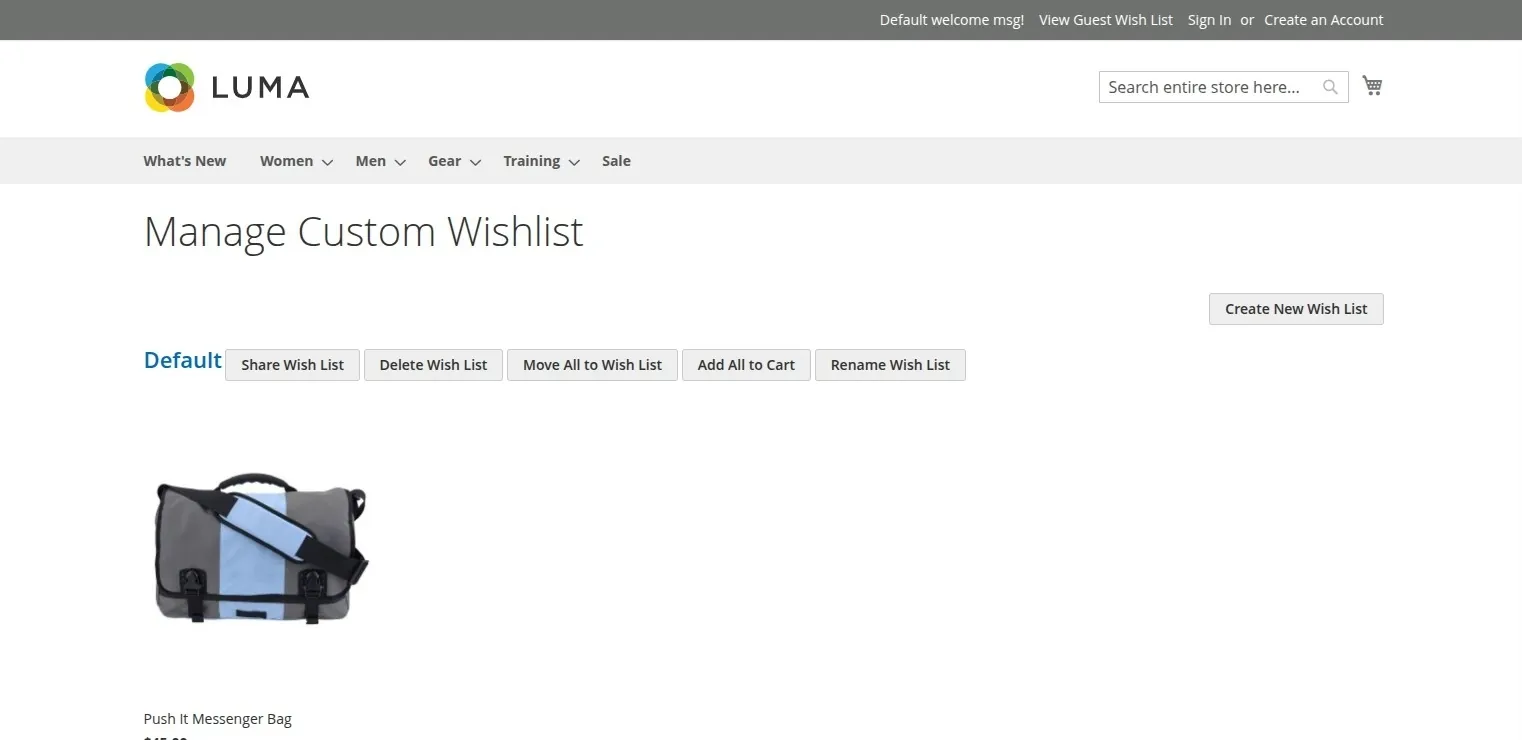
Guest Wishlist & Account Sync
The Magento 2 Multi Wishlist extension allows guest visitors to save products to a wishlist while browsing, automatically transferring those saved items to their account when they register or log in.
How Guest Wishlist Works
- Saving Items as a Guest: Unregistered visitors browsing the store can click Add to Wish List on any product or category page.
- Temporary Wishlist View: Saved products are kept in a temporary guest wishlist so visitors can review their favorite items while browsing.
- Automatic Account Sync: When the guest logs into an existing account or creates a new account, all items saved in their guest wishlist are automatically merged into their permanent customer account wishlist.
Admin Configuration
Guest wishlist availability can be turned on or off by store administrators:
- Location: Stores > Configuration > Webkul > Multi Wish List
- Setting: Enable Guest Wishlist
- Options:
Yes/No(Default:Yes)