Magento 2 Hipercalzado ConnectorMagento 2 Hipercalzado Connector
Live Demo
Buy Now
Support
Live Demo
Buy Now
Support
  • Getting Started

    • Introduction
    • Requirements
    • Installation
  • Configuration

    • Overview & Settings
    • Multilingual & i18n
  • Workflows

    • Products Grid
    • Orders Grid & Sync
    • Fulfillment & Tracking
  • Help

    • Troubleshooting
    • FAQ

Order Fulfillment & Tracking Workflow

Follow the workflow below to fulfill Hipercalzado marketplace orders and dispatch tracking numbers back to the customer on Hipercalzado.


Order Fulfillment Steps

  1. Navigate to Sales → Orders in Magento admin.
  2. Select an imported Hipercalzado order.
  3. Click Ship to open the shipment creation form.
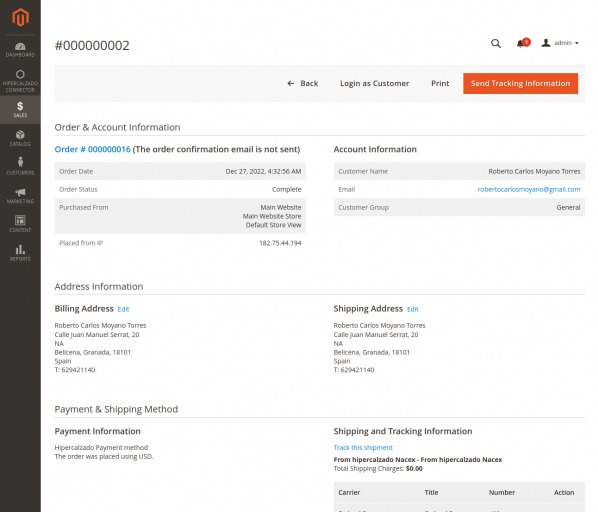
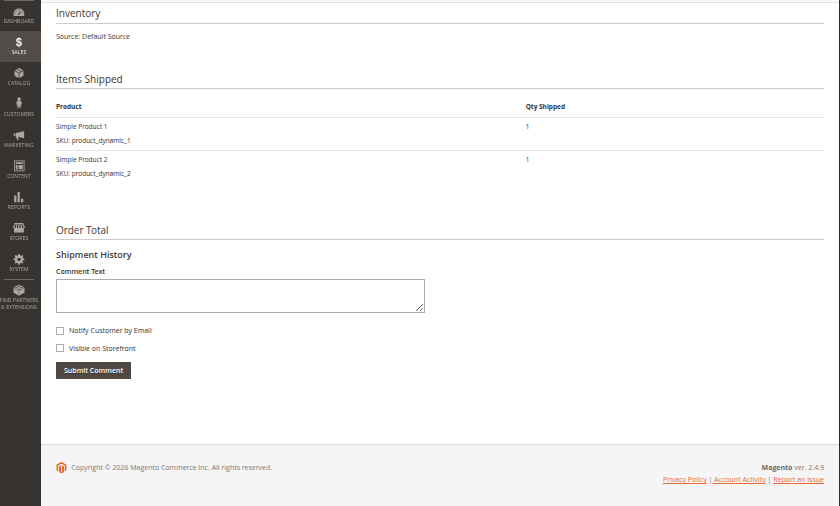
  4. Add the Tracking Number and select the shipping carrier.
  5. Click Submit Shipment.

Shipment tracking details on the Magento order viewShipment tracking information added to the order

Required Order Customer Fields

Required order fields for successful import: FirstName, State, and Country must be present on the Hipercalzado order for successful Magento order creation.
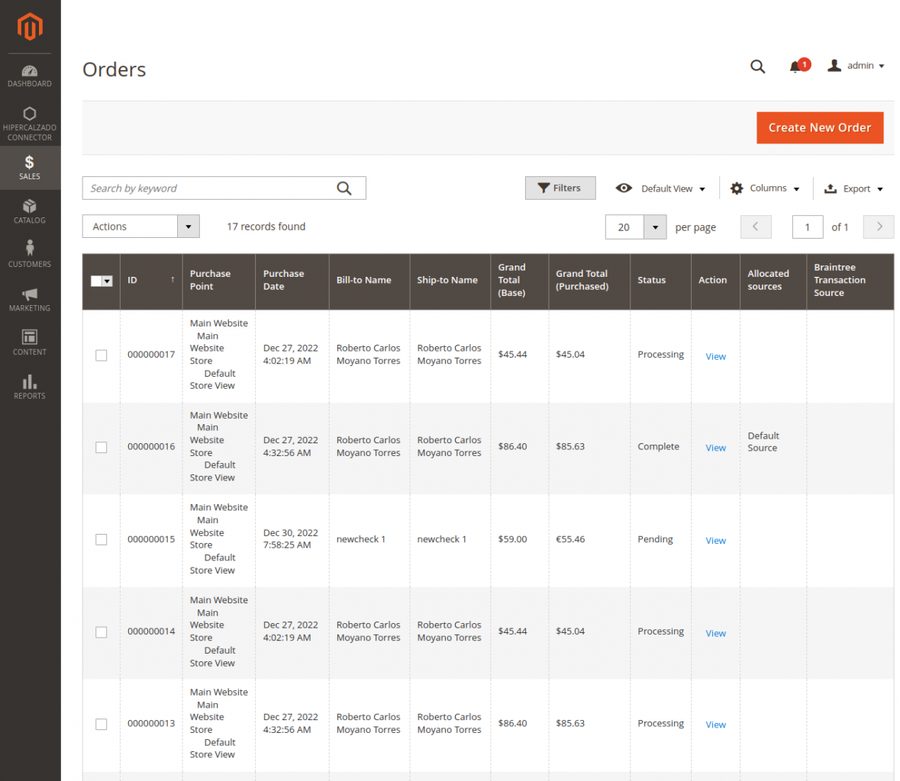
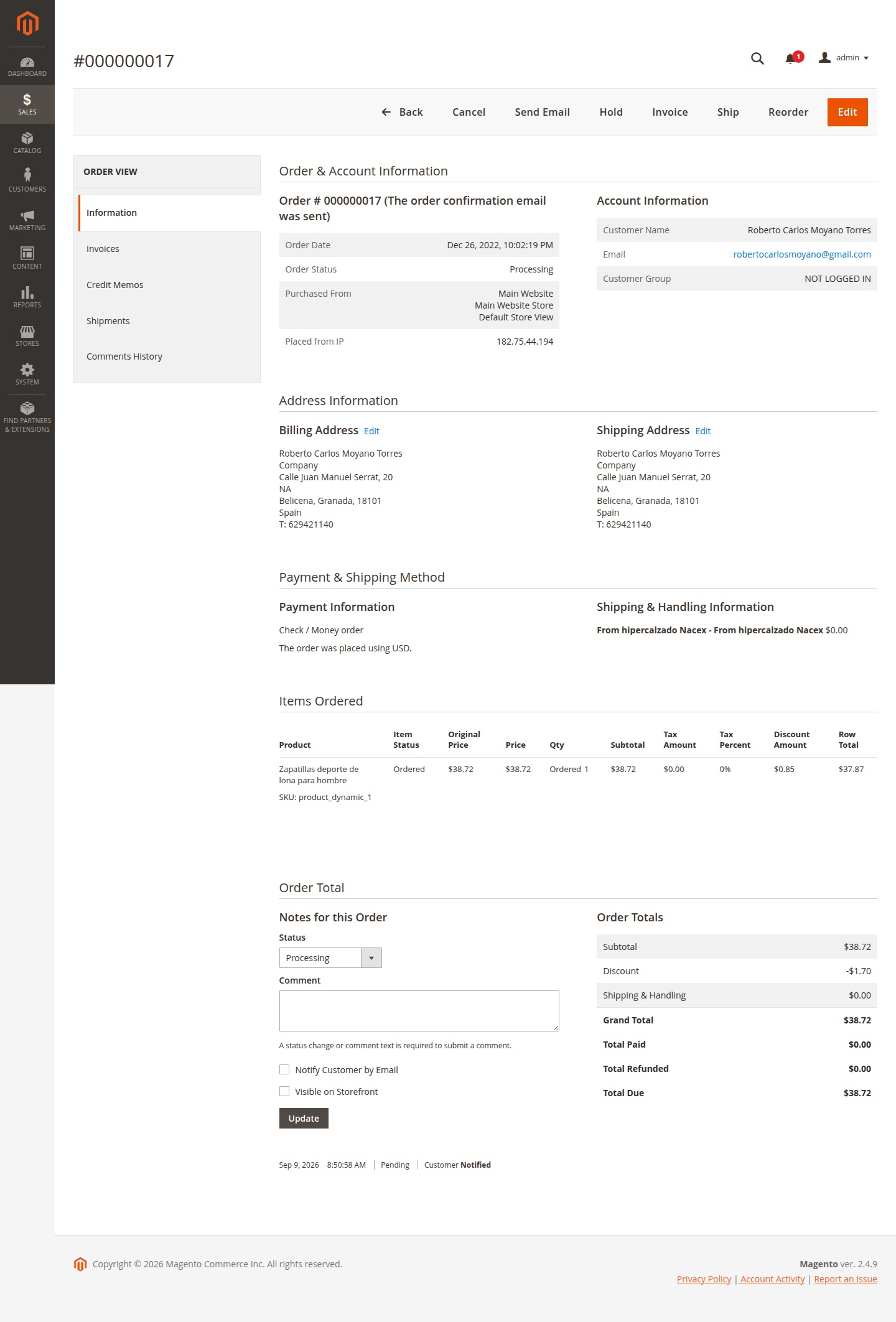
Magento 2 Sales Orders gridMagento 2 order detail view for a Hipercalzado order

Prev
Orders Grid & Sync