
Product Models & Products Export
Once categories and families are exported, you can export configurable product models and individual simple products into Akeneo PIM.
Step 3: Export Product Models (Configurable Products)
In Akeneo PIM, configurable parent products are modeled as Product Models with variant axes.
- Navigate to Akeneo Connector → Export.
- Select the Product Model tab:
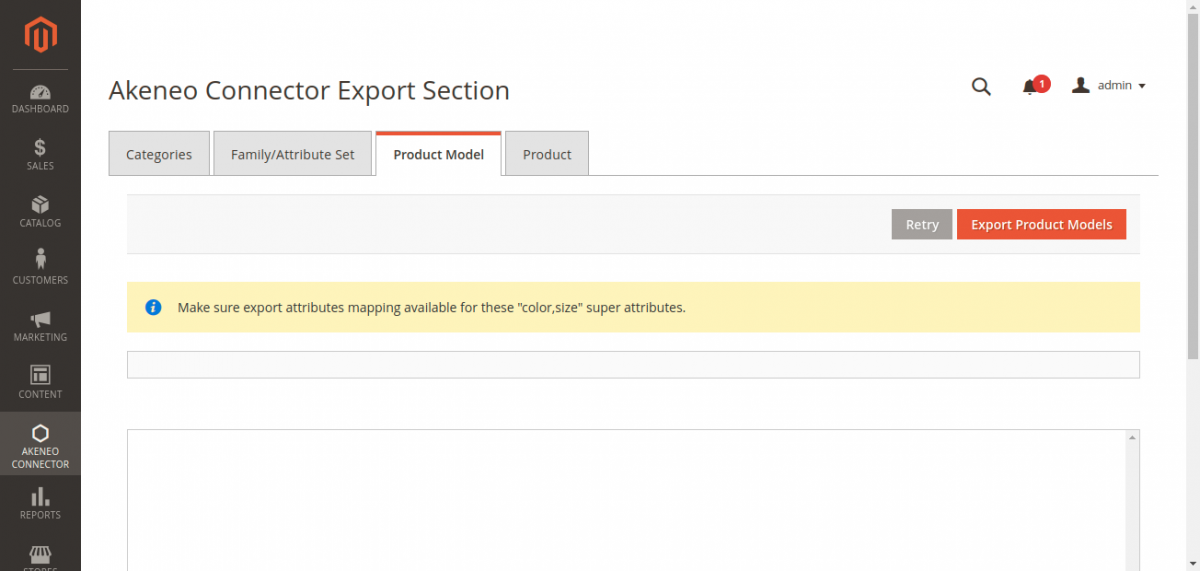
Super Attributes Reminder
An alert notice reminds you: "Make sure export attributes mapping available for these 'color,size' super attributes." Verify that all super attribute codes are mapped before clicking export.
- Click Export Product Models.
- The connector packages configurable products into chunks (default: 10 items per chunk) and sends them to Akeneo's Product Models REST endpoint:
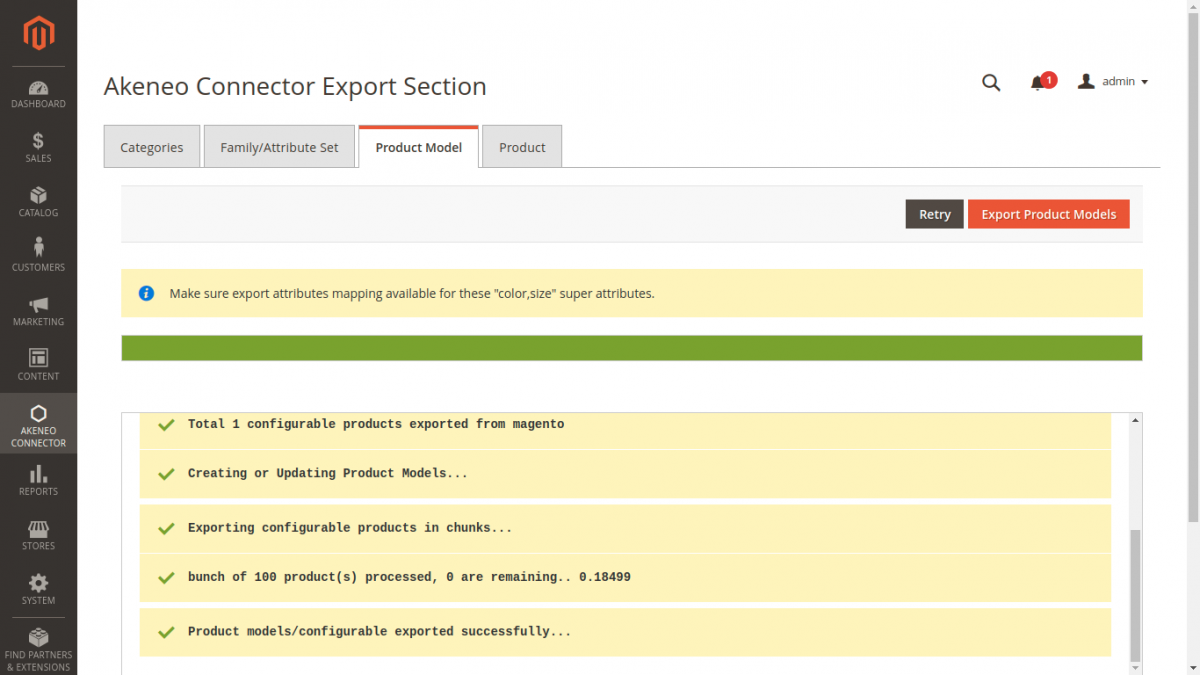
Step 4: Export Products (Simple & Variants)
- Select the Product tab on the Export console:
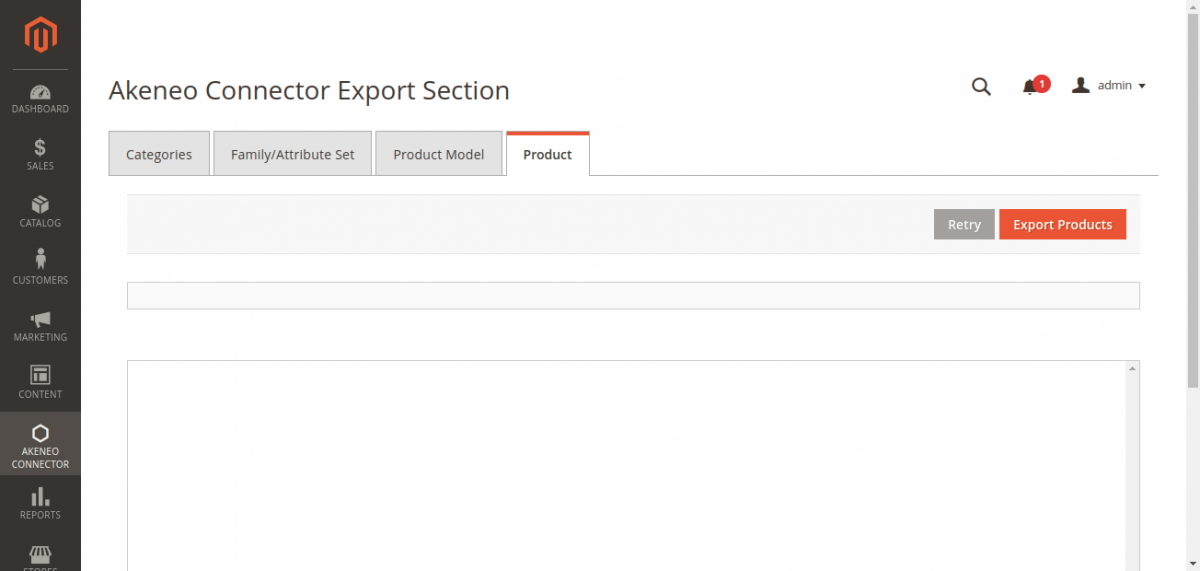
- Click Export Products.
- The connector exports standalone simple products and variant child items:
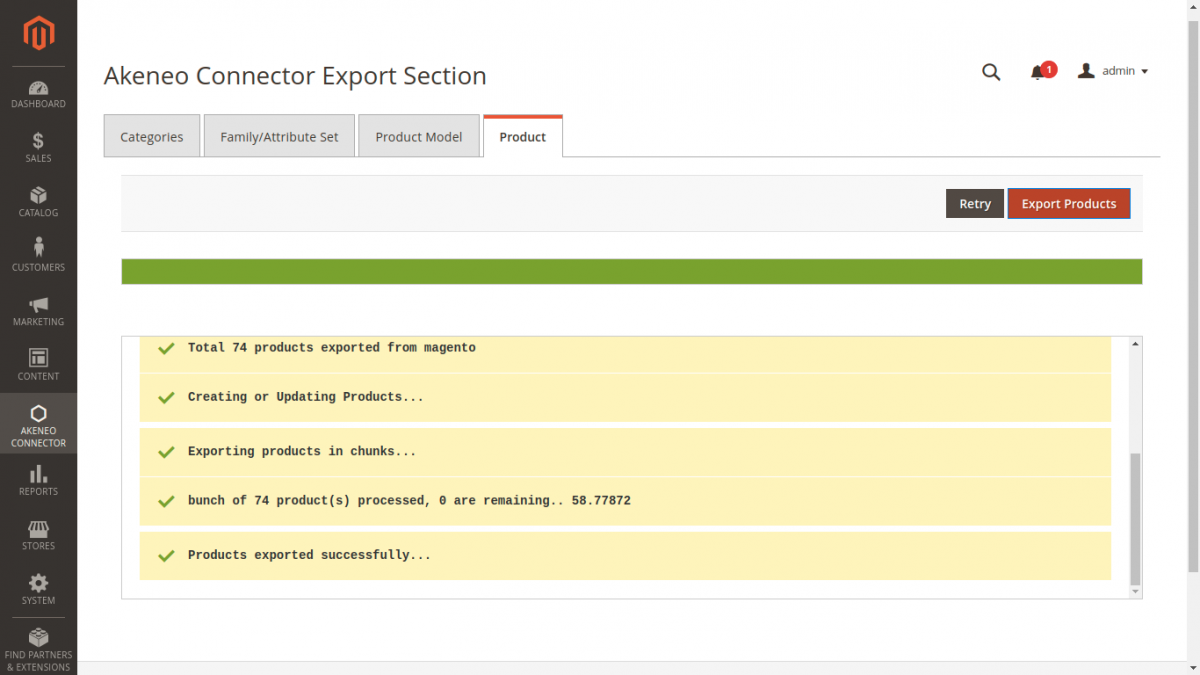
Key Export Actions
- Option Code Resolution: Magento numeric option IDs are converted into Akeneo text-based option codes.
- Variant Parent Linking: Variant simple items are linked to their corresponding Akeneo Product Models via the
parentproperty. - Media Upload: If media export is enabled, product images are uploaded to
/api/rest/v1/media-filesand associated with their respective attributes. - Channel Scoping: Values are assigned to your mapped Akeneo channel and locale.