
Export Logs & Auditing
The Export Log records step-by-step progress, payload statuses, and any Akeneo API responses returned during catalog export jobs.
Accessing Export Logs
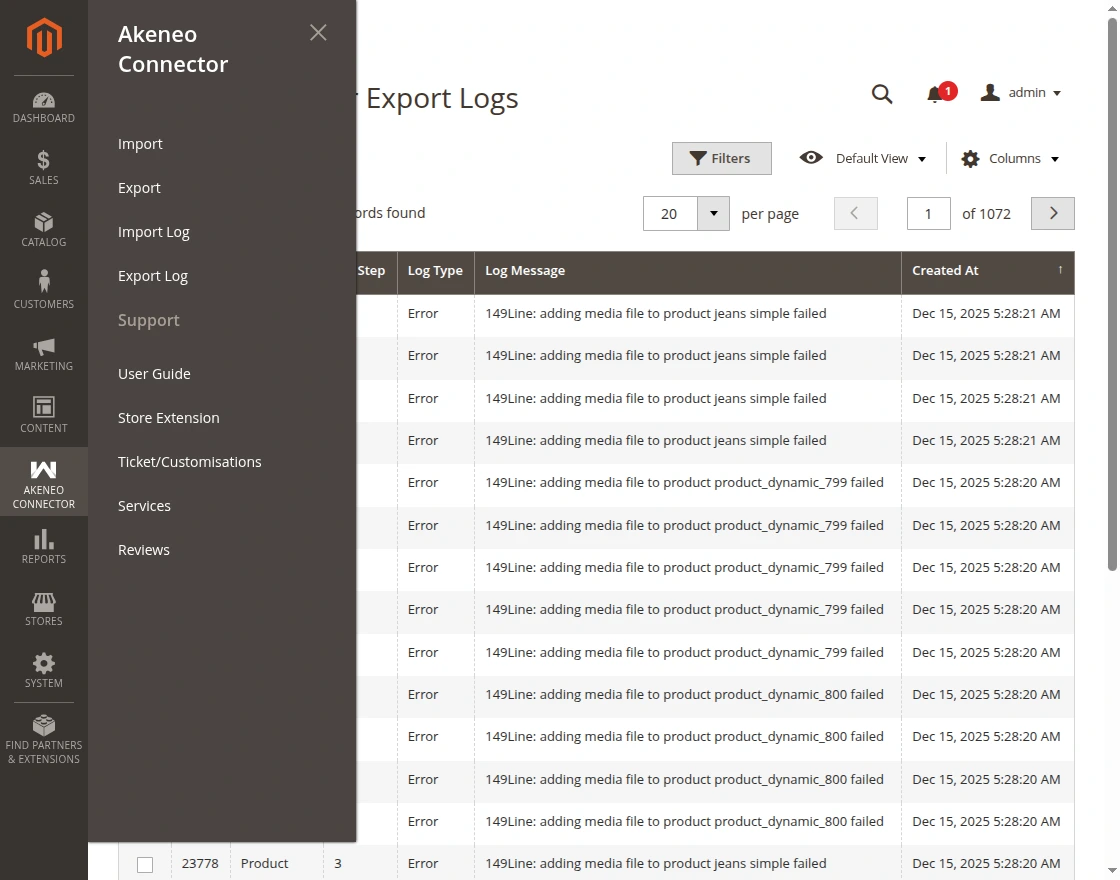
- In the Magento Admin Panel, navigate to Akeneo Connector → Export Log:
- The audit grid lists all export tasks:
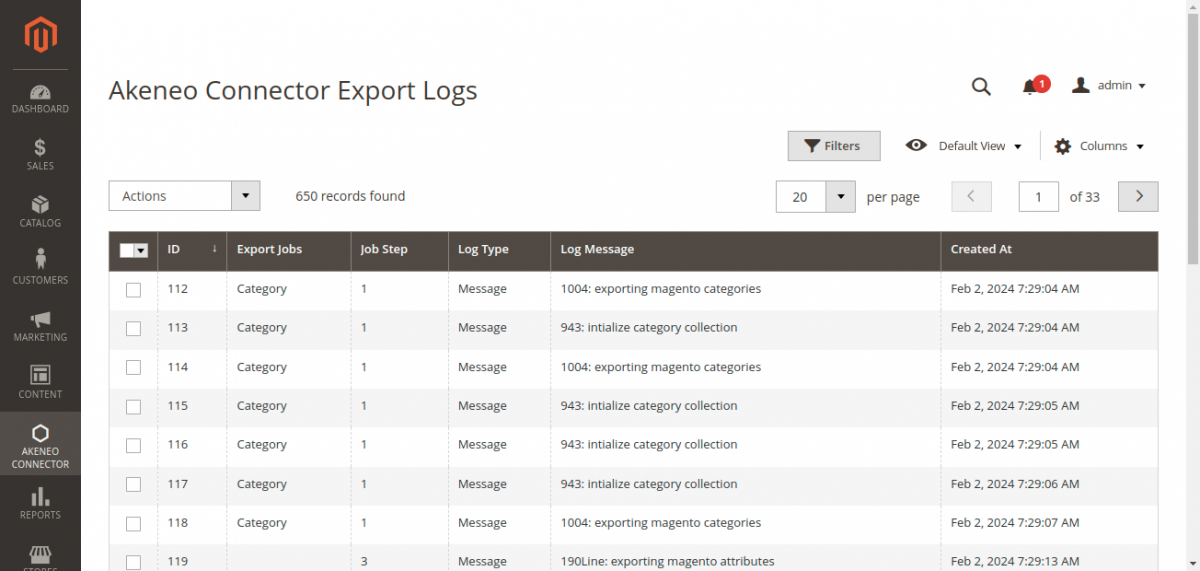
Log Grid Columns
| Column | Description |
|---|---|
| ID | Unique sequential record identifier. |
| Export Jobs | Identifies the exported entity (Category, Family, Product Model, Product). |
| Log Type | Operational result: Success, Warning, or Error. |
| Message | Detailed summary including processed chunk counts, updated entity codes, or REST API error messages. |
| Created At | Timestamp of the logged event. |
Diagnosing Export Issues
Use grid filters to diagnose export bottlenecks or validation failures:
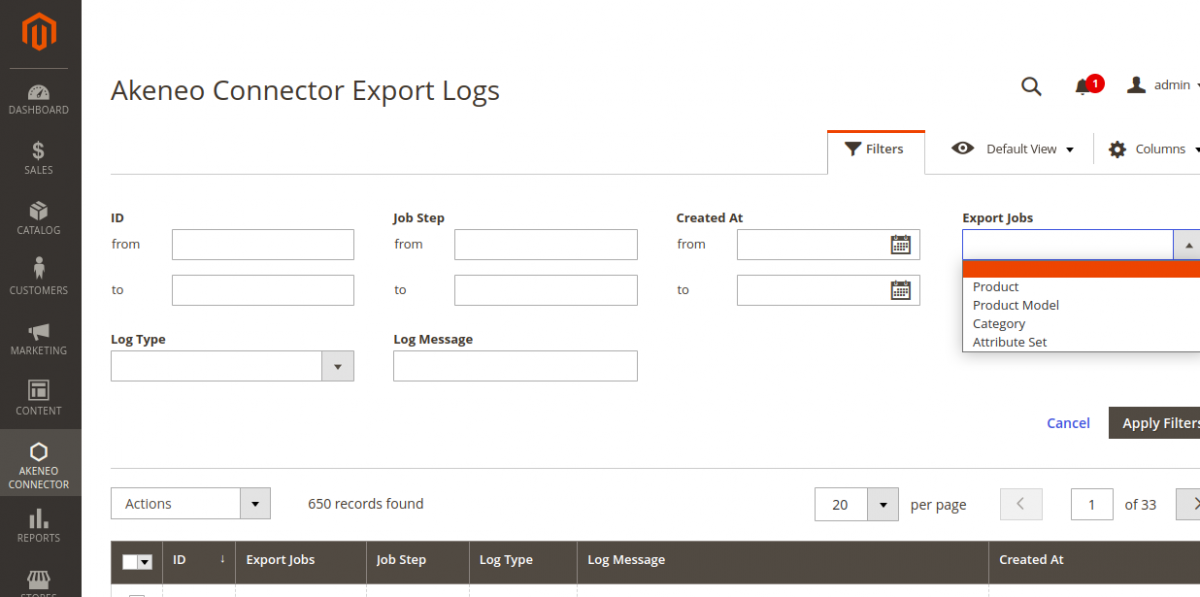
- Filtering for HTTP 422 Errors: Akeneo returns HTTP 422 (Unprocessable Entity) when required attributes or options are missing in Akeneo. Filtering by
Errorreveals the exact attribute code causing the validation error. - Tracking Batch Processing: Verify that each batch of 25 products completed without timeouts or dropped connections.