
Enable the Module
Open Stores → Configuration → Webkul → AI Product Review Summary.
The section has two groups, General Settings and Product Information:
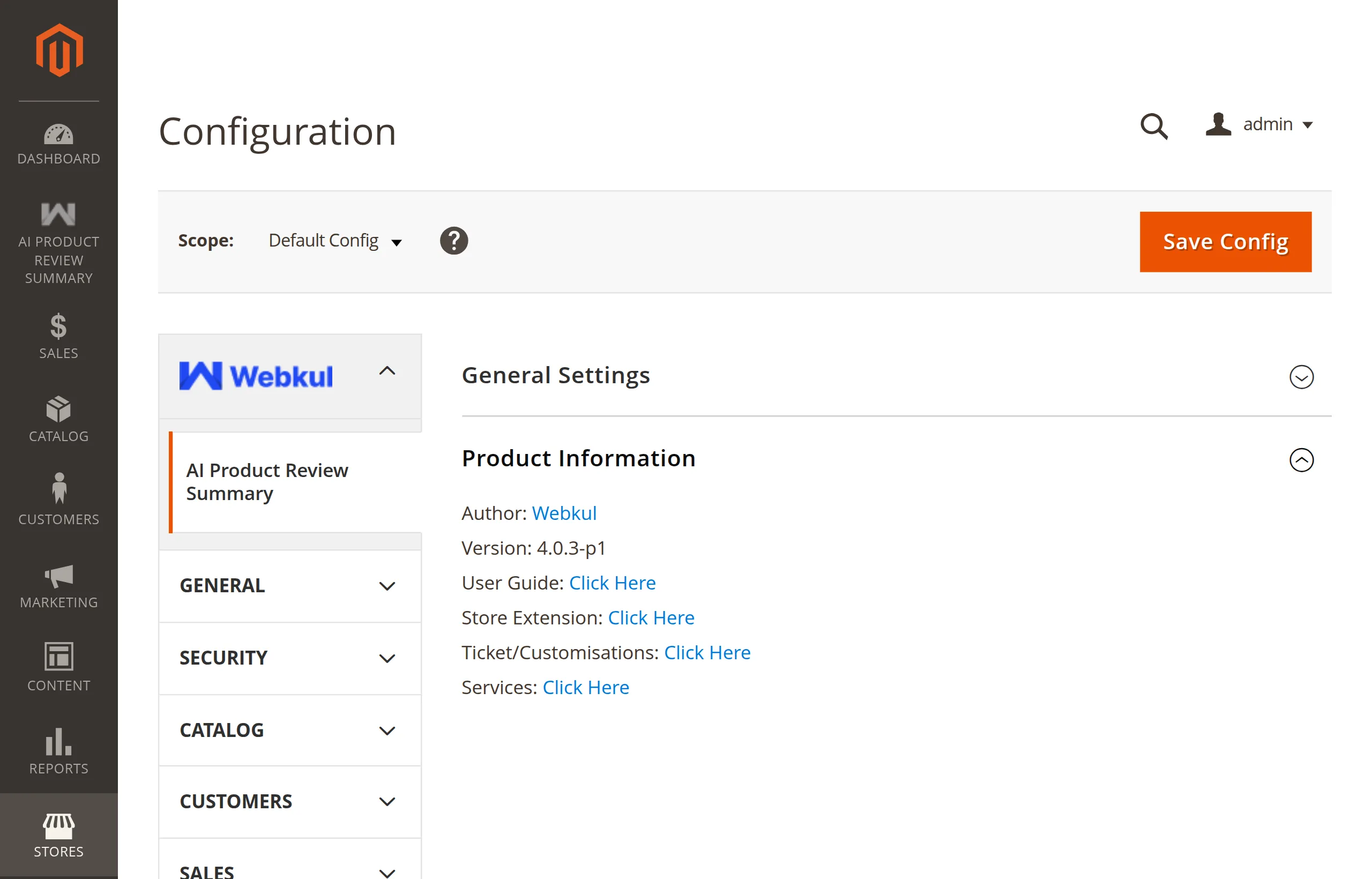
Straight after installing, the General Settings group shows a single field, because everything else depends on the master switch.
Turn it on
Set Enable Module to Yes and save. The provider, model, and key fields appear.
Config path: aiproductreviewsummary/general/status
Default:     No (no value is set until you save)
Scope:       Default, Website
What switching it on changes
| Before | After |
|---|---|
| Only Enable Module is visible | Provider, model, key, and validate button appear |
| No AI Product Review Summary admin menu | The menu appears in the sidebar |
| Update Status in All Reviews generates nothing | It regenerates summaries of the selected products |
generate:reviewsummary prints Currently unavailable. | The command generates summaries |
| No summary on the product page | Saved summaries are shown |
Website scope
Enable Module can be set per website, not per store view. Use the Scope switcher at the top-left of the page, clear Use Default, and set a different value.
Turning it off is not destructive
Disabling the module leaves every existing summary in the database. The storefront just stops rendering them. Switch it back on and they return.
Next: Activate Your Licence.