
From the Reviews Grid
Two of Magento's own mass actions regenerate summaries. They work in both review grids:
- Marketing → User Content → Pending Reviews
- Marketing → User Content → All Reviews
Walkthrough: approving a new review
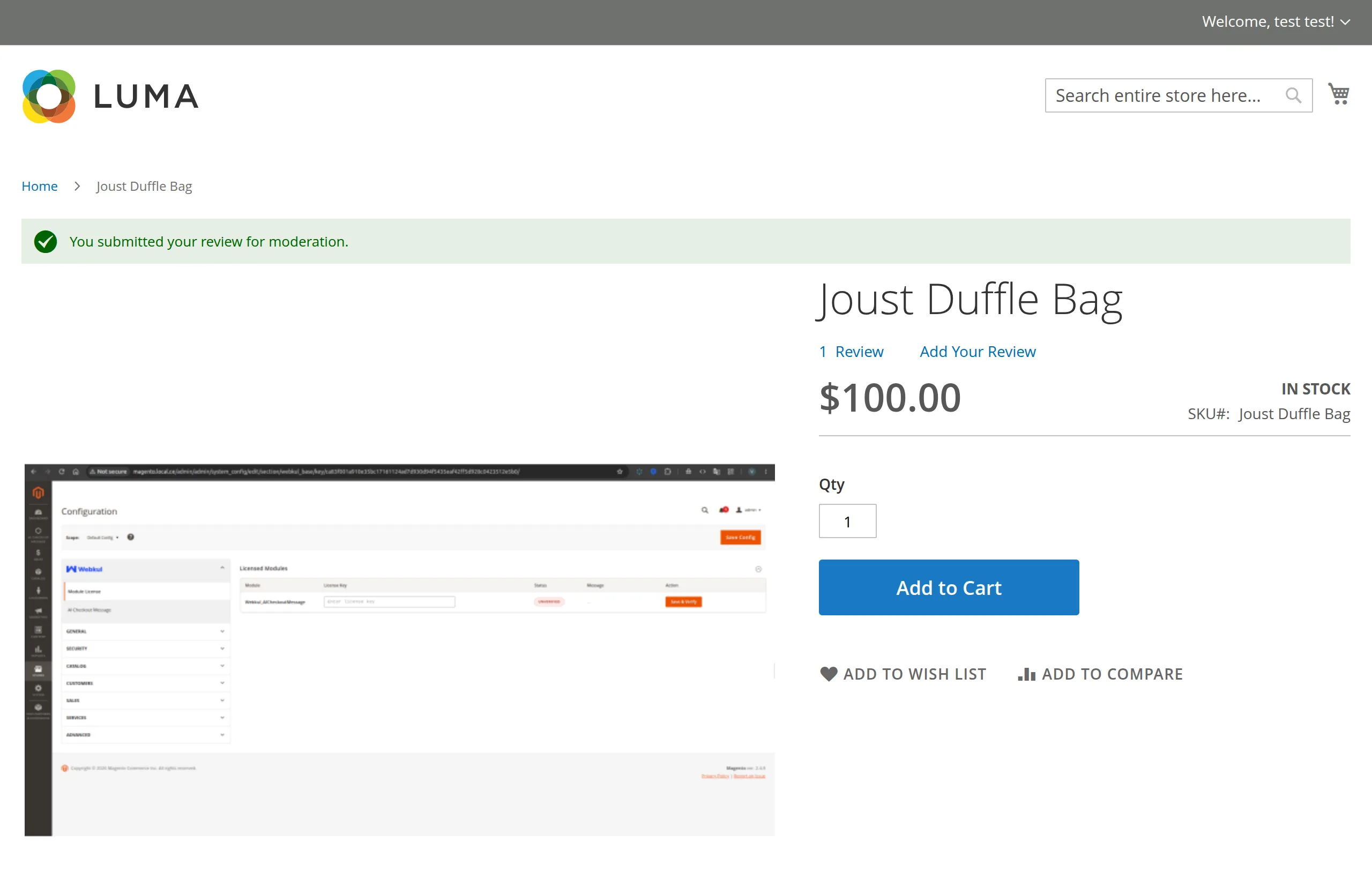
1. A customer submits a review. It is saved as Pending. The summary does not change yet.
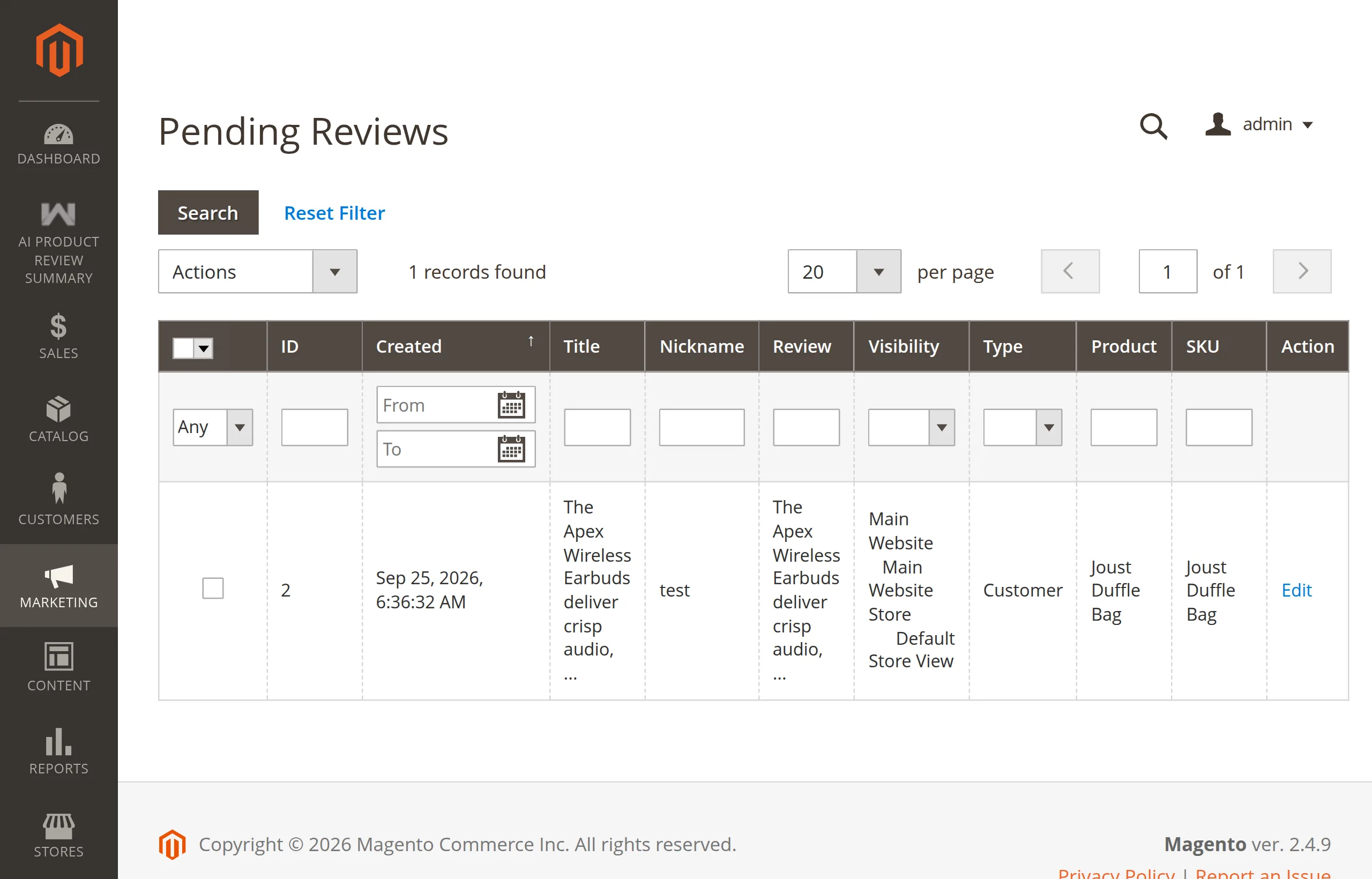
2. Open Pending Reviews. The new review is listed.
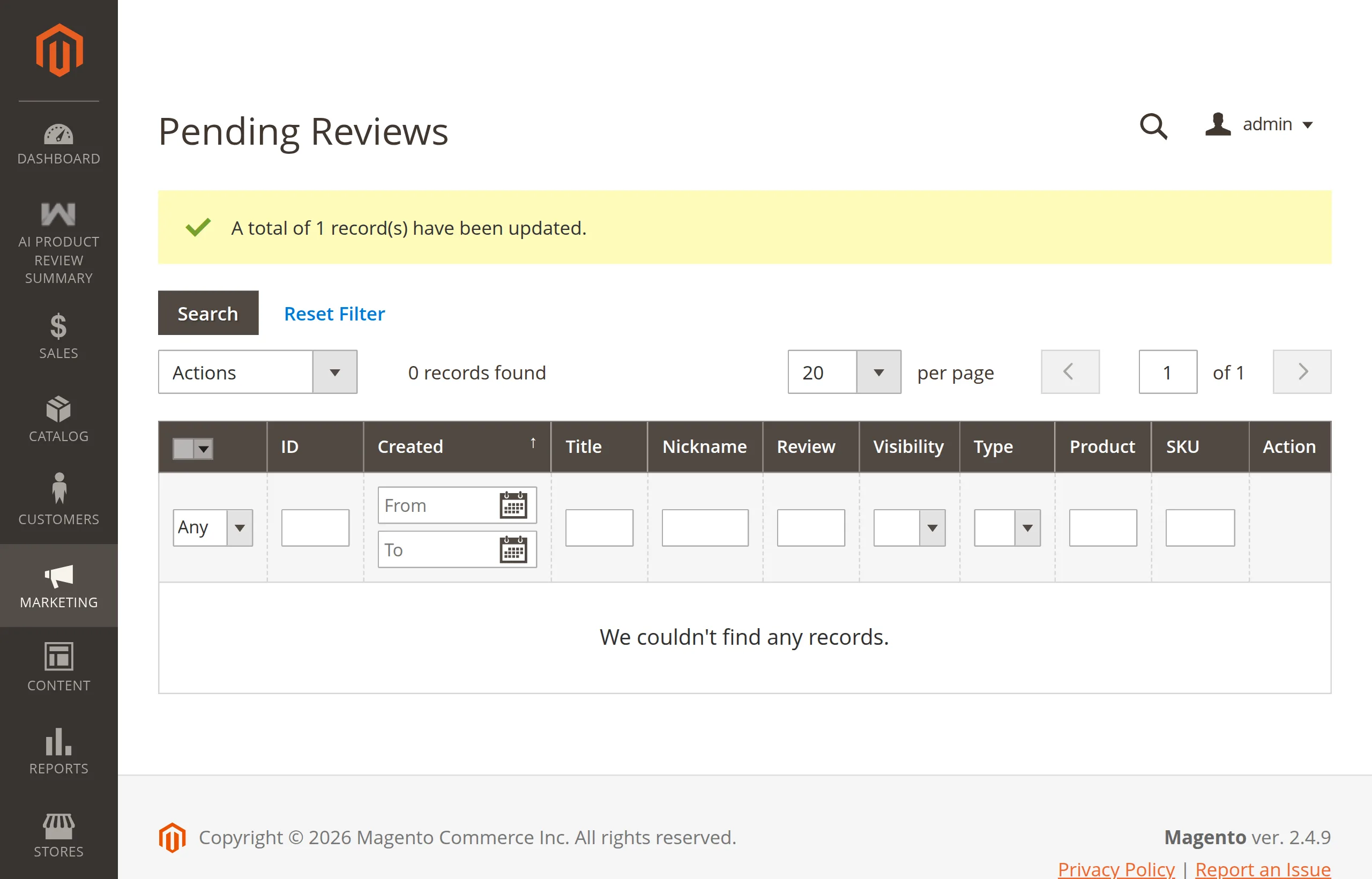
3. Approve it with the mass action. Tick the review, choose Actions → Update Status → Approved, and Submit. Magento confirms the update, and the product's summary is regenerated in the same request.
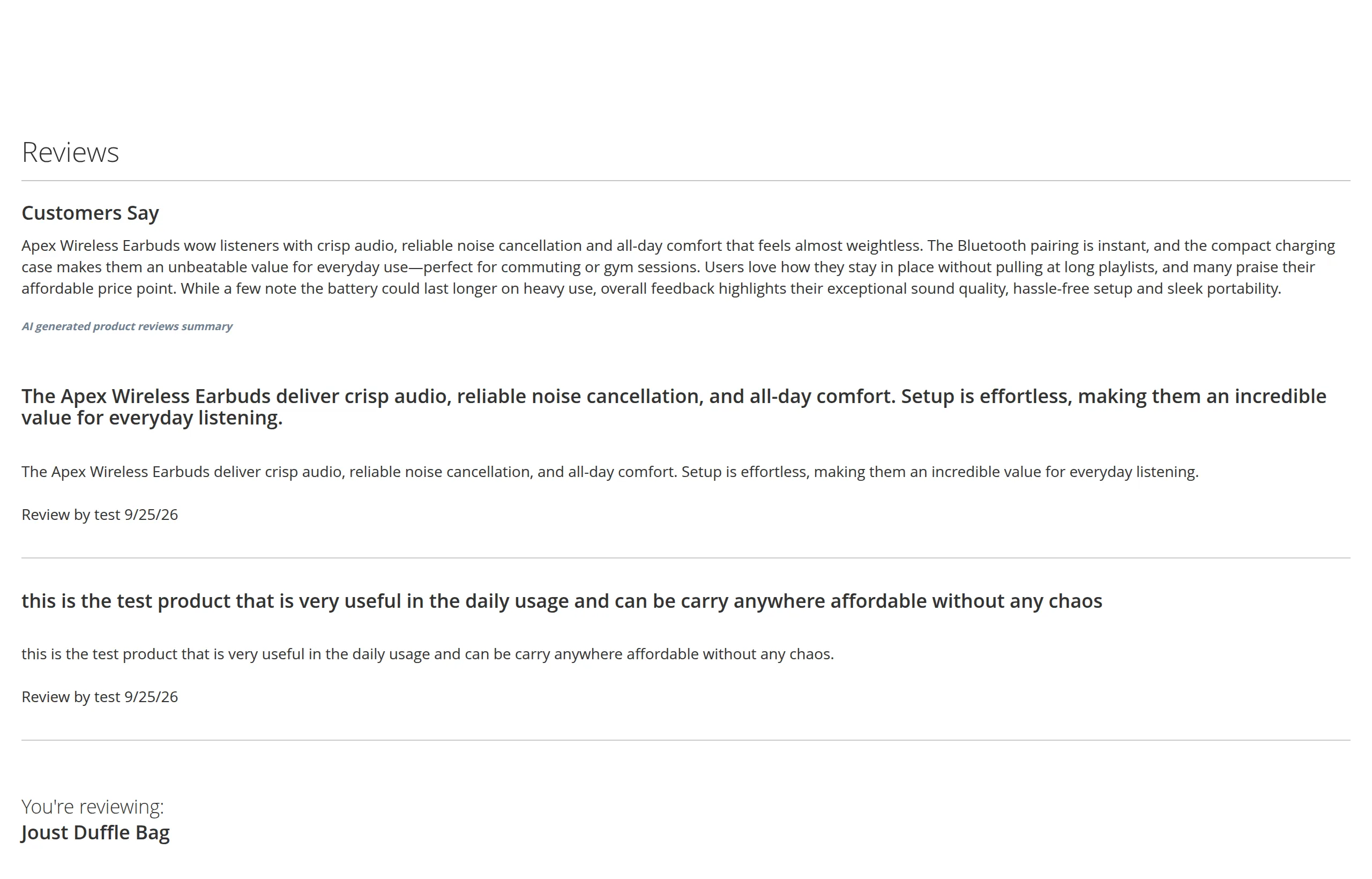
4. Check the product page. The Customers Say summary now includes the new review. Flush the full-page cache if the page is cached.
Use the mass action, not the Edit page
Clicking Edit on a review and saving it as Approved does not regenerate the summary. Only the grid's Update Status mass action does.
Update Status
- Tick the reviews of the products you want to refresh.
- Actions → Update Status, choose a status, Submit.
After the status change, the module regenerates the summary for every distinct product and store view among the selected reviews, using all the approved reviews of that product — not just the ones you ticked.
This runs whatever status you chose. Setting a review to Not Approved removes it from the next summary; setting it to Approved adds it.
Delete
- Tick reviews.
- Actions → Delete, confirm.
Before the reviews are deleted, the module regenerates each affected product's summary from the approved reviews that will remain.
Delete regenerates even when the module is disabled
The delete action regenerates summaries regardless of Enable Module. If the provider is not configured, you will see an error message, but the reviews are still deleted.
It happens in the same request
Generation runs before the grid reloads. Selecting reviews of many products makes the page wait for one LLM call per product and store view (up to 60 seconds each on Ollama). For more than a handful of products, use the CLI command instead.
Messages
Errors appear as red admin messages at the top of the grid:
| Message | Meaning |
|---|---|
API request rate limit exceeded. Please try again after some time. | Your provider throttled you or you are out of credit. |
Unable to generate product review summary. | Any other provider error. Details are in var/log/system.log. |
AI provider is not configured. | No provider saved. |
API key is not configured. … | No key saved for a hosted provider. |
Next: CLI Command.