
Admin Menu
A Zoho SSO entry appears in the admin sidebar once Enable Zoho SSO is Yes at Default Config.
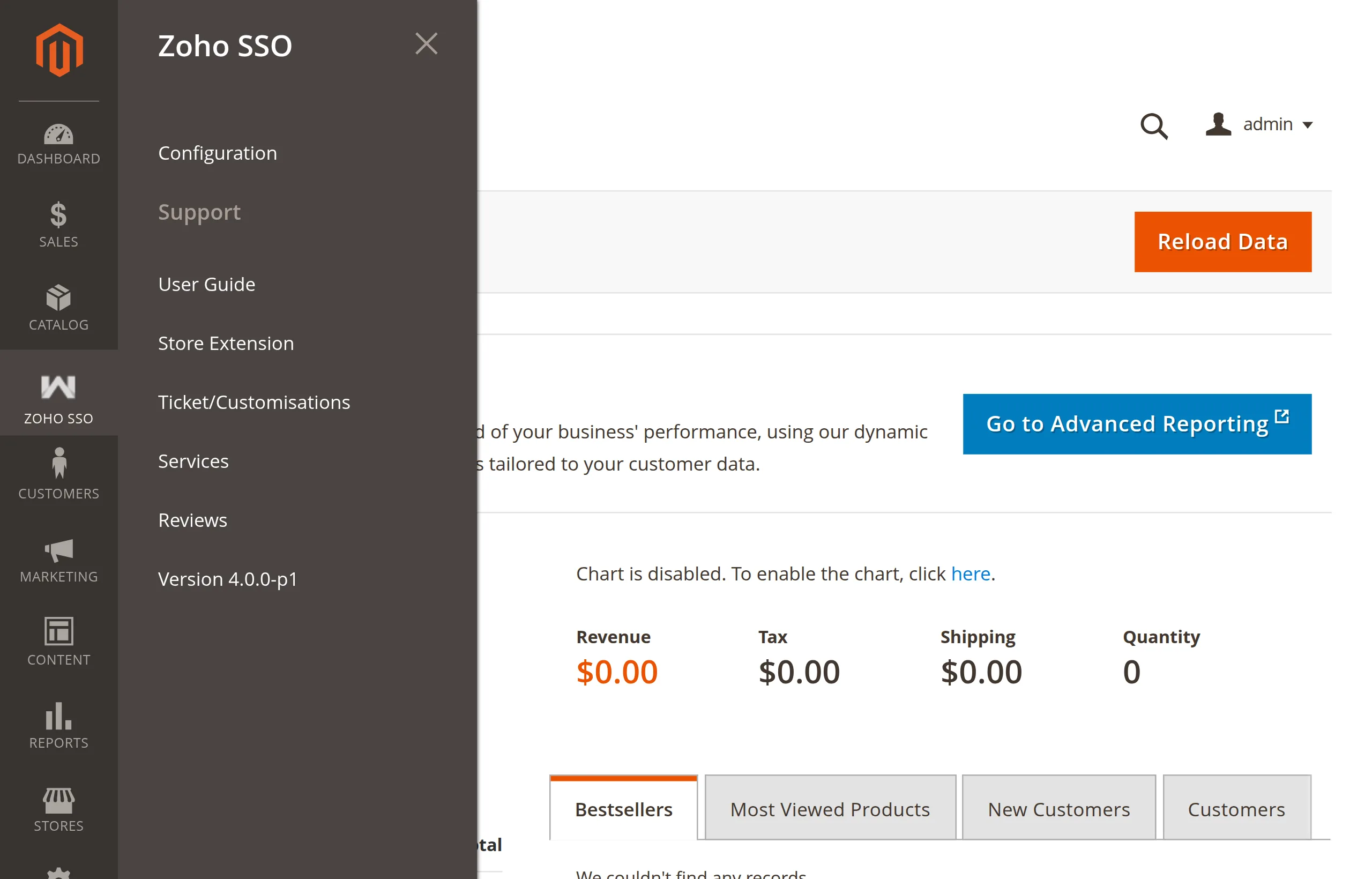
| Menu item | Opens |
|---|---|
| Configuration | Stores → Configuration → Webkul → Zoho SSO |
| Support → User Guide | The Zoho SSO user guide |
| Support → Store Extension | The extension page on the Webkul Store |
| Support → Ticket/Customisations | Webkul's help desk, to raise a ticket |
| Support → Services | Webkul's Magento development services |
| Support → Reviews | The reviews section of the extension page |
| Support → Version 4.0.0-p1 | Label only — shows the installed version |
The support links open external Webkul pages.
Menu missing?
The menu is tied to the Enable setting. Turn on Enable Zoho SSO at Default Config, or use Stores → Configuration → Webkul → Zoho SSO directly.