
Subdomain Storefront
When Store Vendor Subdomain Setting is disabled, the module operates in Global Subdomain Mode. In this configuration, each marketplace seller is automatically provisioned a unique subdomain under your primary marketplace domain, constructed using the configured prefix and the seller's shop URL token:
https://[prefix][shop_url].[marketplace-domain].com
Seller Storefront: Seller 1 Example
In the following example, the global prefix is set to shop-, and Seller 1 registered with the shop token gear-store. The resulting URL is https://shop-gear-store.vendorsubdomain.webkul.com.
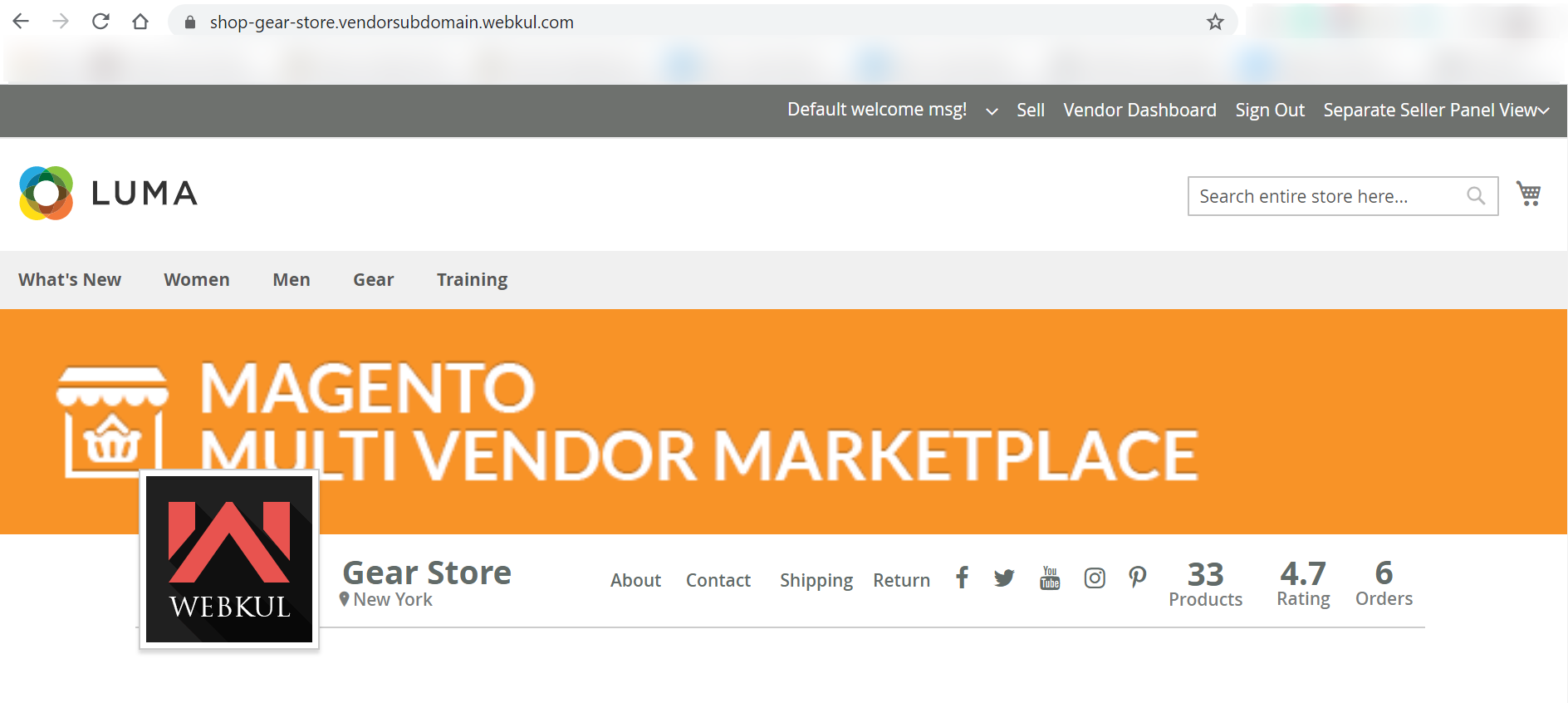
1. Seller Profile Page
Accessing the root subdomain URL loads the vendor's branded profile page, displaying seller banners, store logo, social media links, and company description:
2. Seller Feedback & Reviews Page
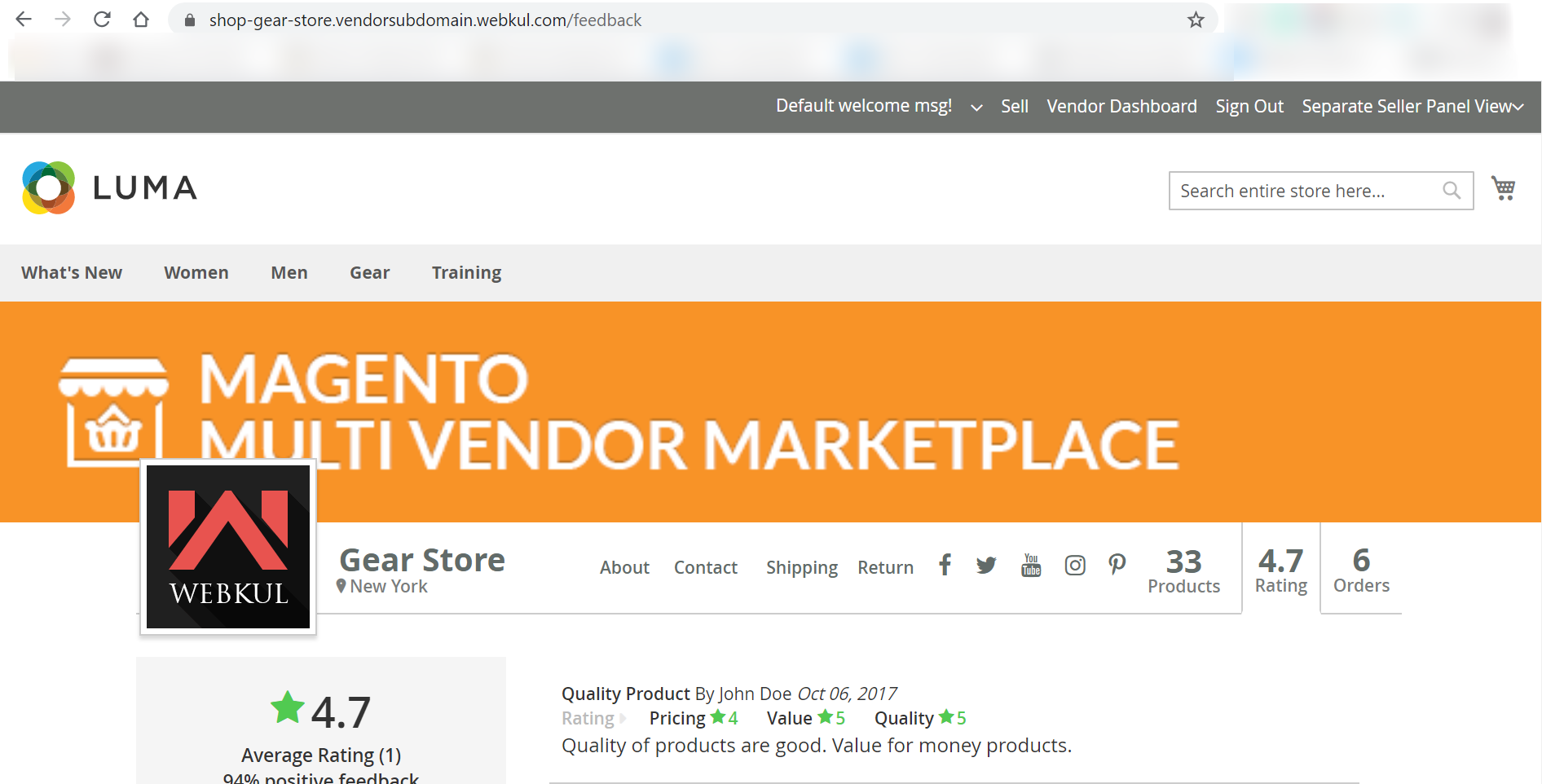
Shoppers can review verified customer ratings, write feedback, and view vendor score breakdowns at /feedback:
https://shop-gear-store.vendorsubdomain.webkul.com/feedback
3. Seller Location Page
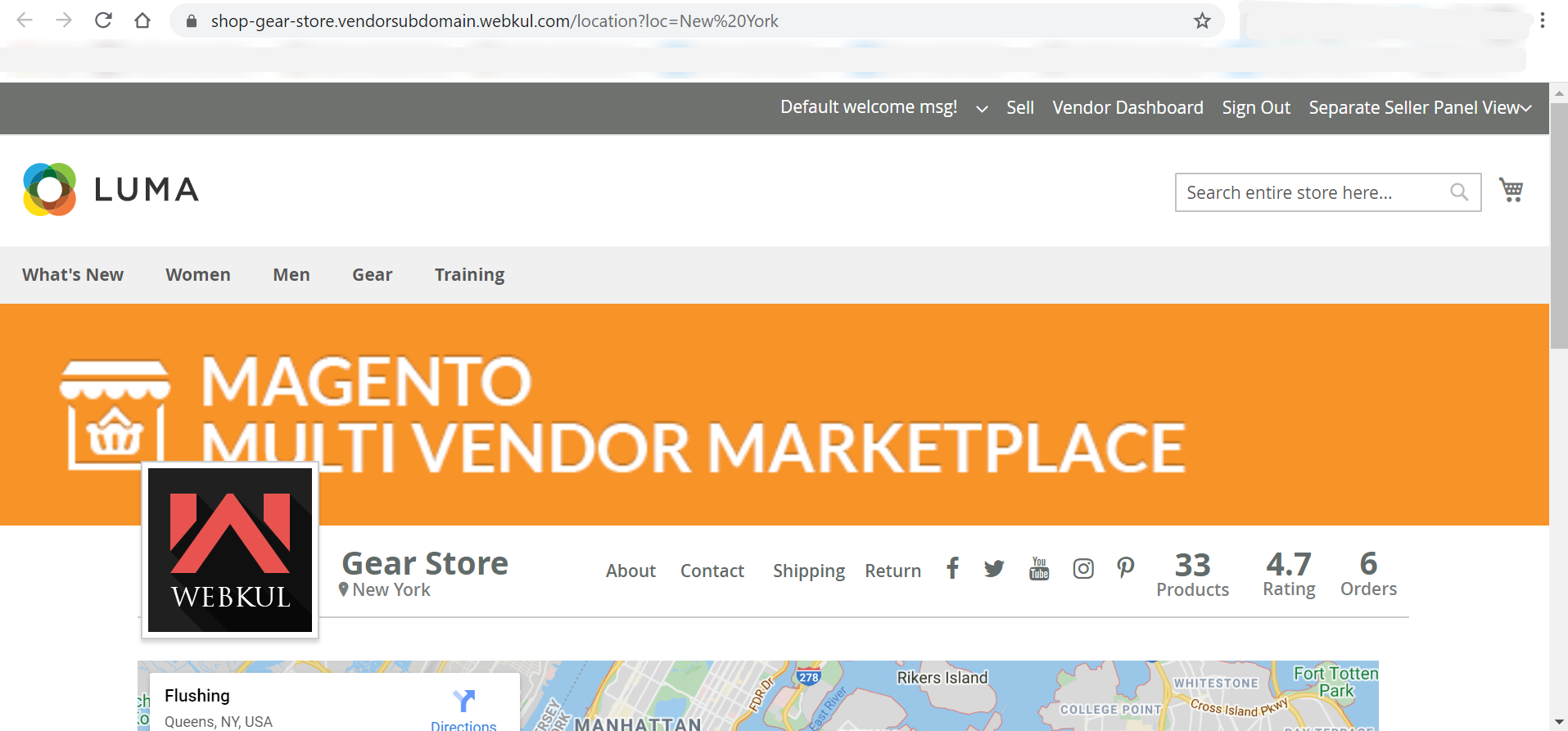
Displays the seller's physical warehouse or store location on an interactive map at /location:
https://shop-gear-store.vendorsubdomain.webkul.com/location
4. Seller Product Collection Page
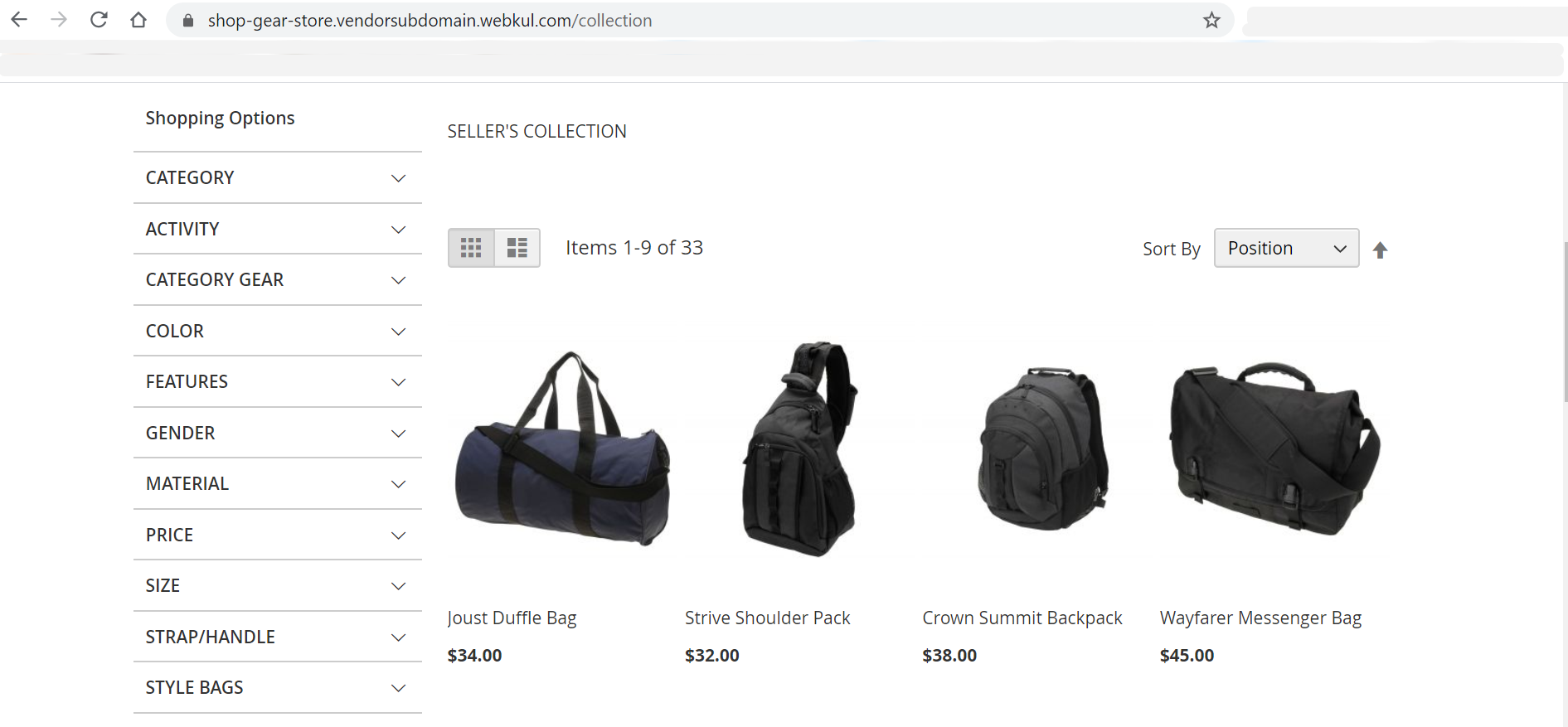
Renders the seller's complete product catalog with layered navigation, price filters, category trees, and sorting tools at /collection:
https://shop-garmentz.example.com/collection
Seller Storefront: Seller 2 Example
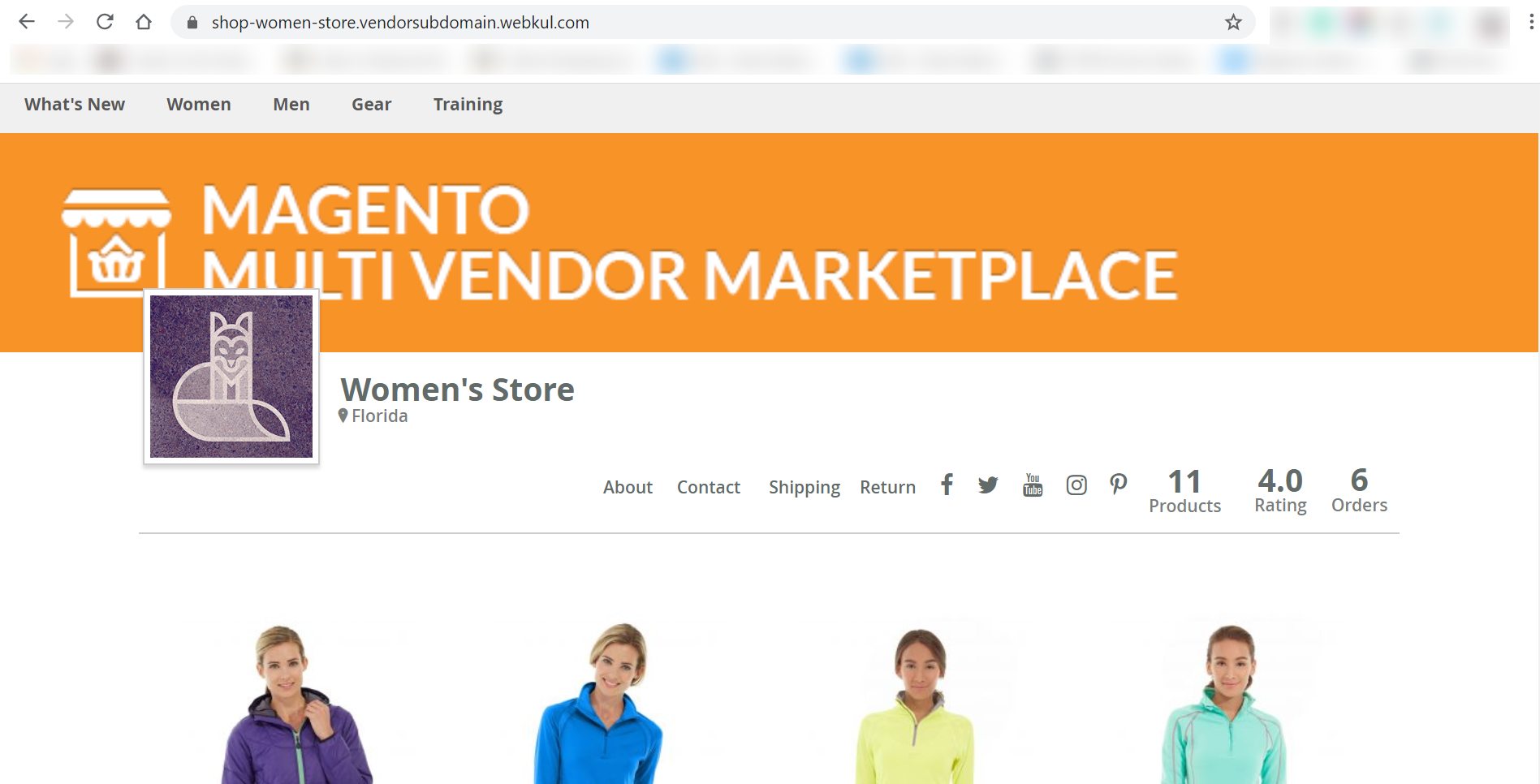
Here, Seller 2 registered with the shop URL token women-store, creating the subdomain https://shop-women-store.vendorsubdomain.webkul.com.
1. Seller Profile
The profile prominently features the vendor's unique brand assets, featured items, and contact links:
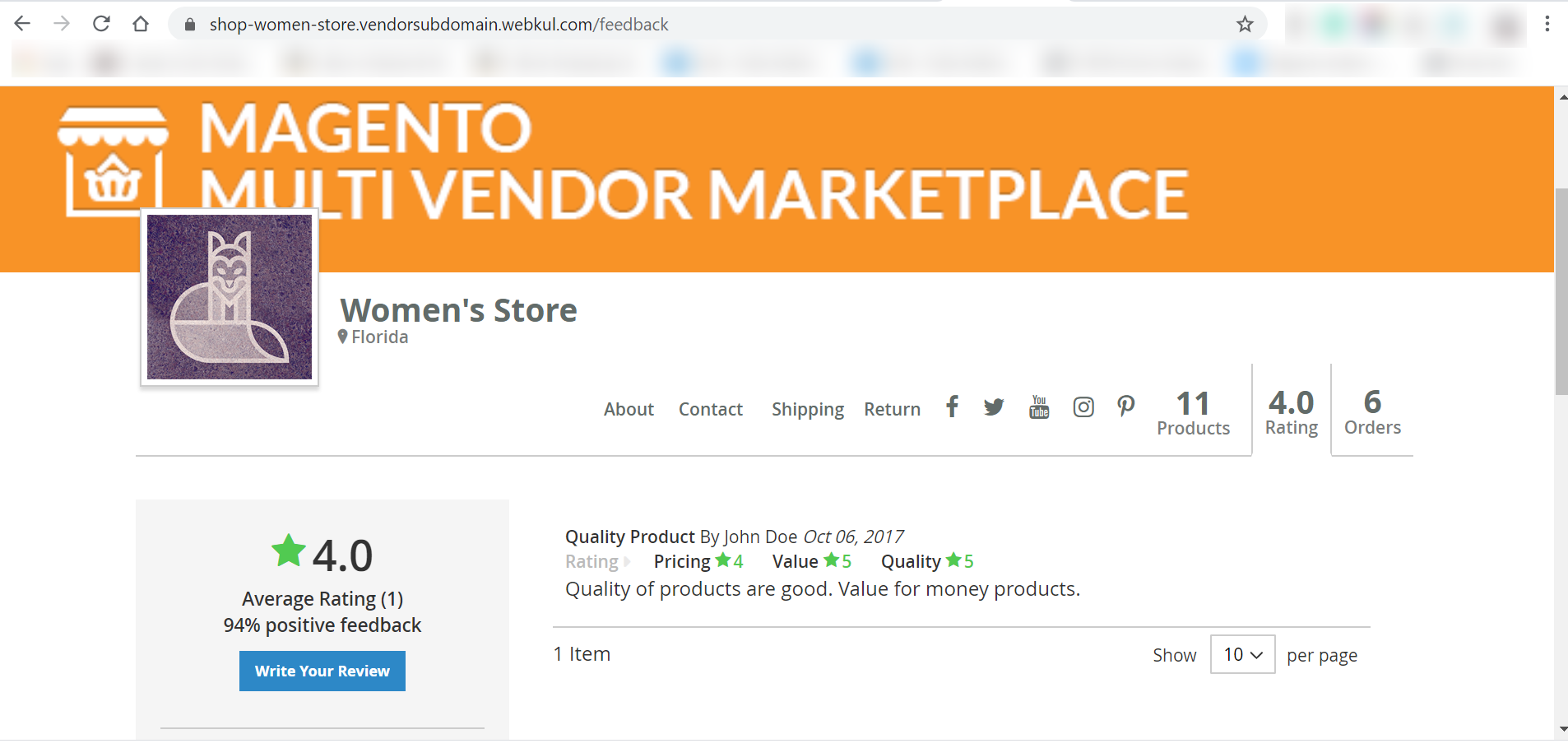
2. Seller Feedback Page
Shows customer ratings, testimonials, and verified purchase reviews:
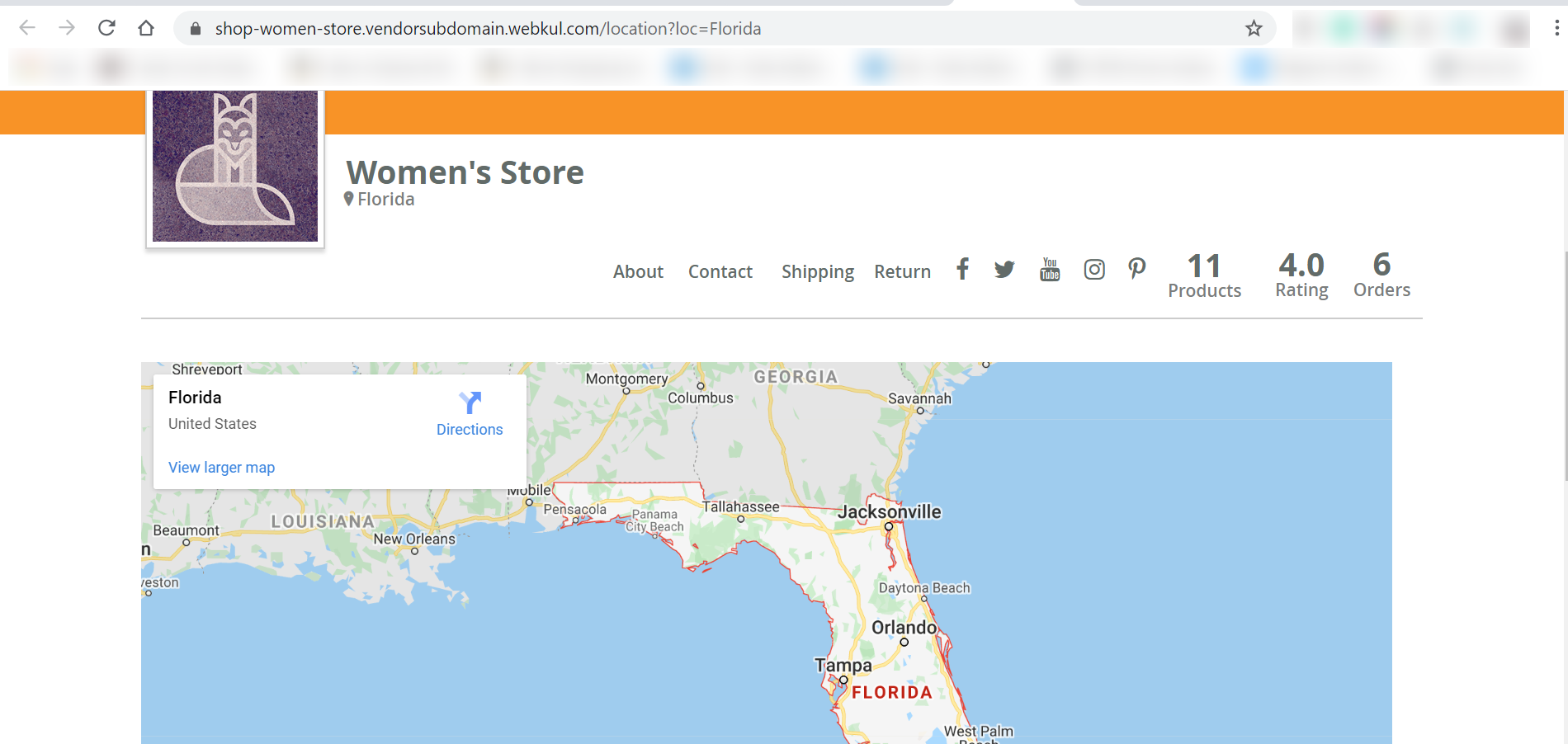
3. Seller Location Page
Integrates geographic location data with contact address and coordinates:
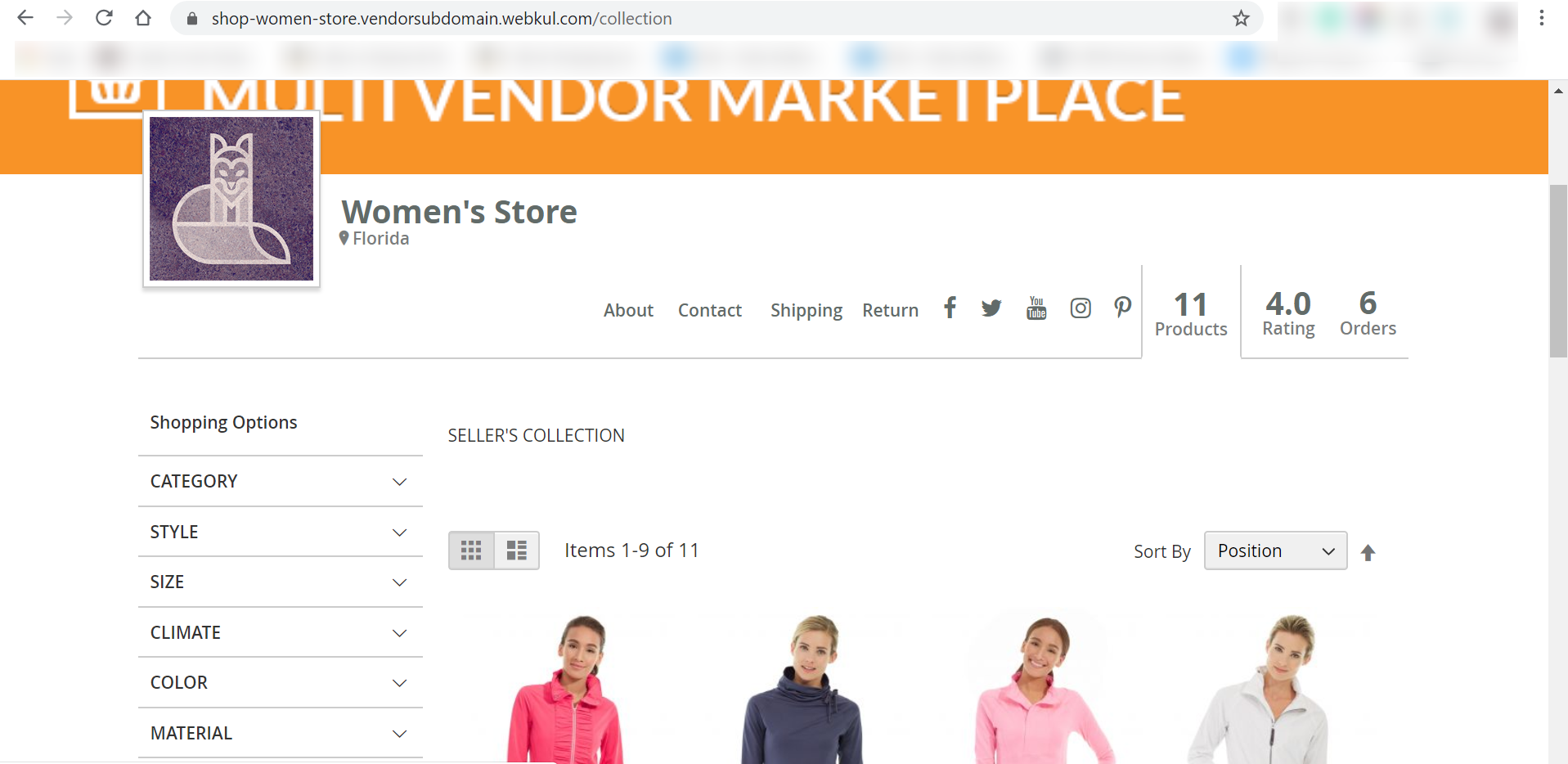
4. Seller Collection Page
Displays all catalog products offered by Seller 2, allowing customers to add items to cart and proceed to checkout:
Centralized Cart & Checkout Experience
Even though each seller's catalog and profile reside on their own dedicated subdomain, shoppers can add items to their unified shopping cart and complete checkout seamlessly through Magento's centralized checkout pipeline.