
Carrier Settings
Global settings determine carrier visibility, allowed destination countries, method title, and the calculation dimensions used across the store.
Accessing Configuration
Administrators can access the module configuration using either of the following methods:
- Direct Admin Menu Shortcut: In the left sidebar, navigate directly to Mage Table Rate → Configuration Settings.
- Standard Store Configuration: Navigate to Stores → Configuration, select Sales → Delivery Methods in the left menu, and expand the Webkul MageTableRate Shipping section.
Settings Reference
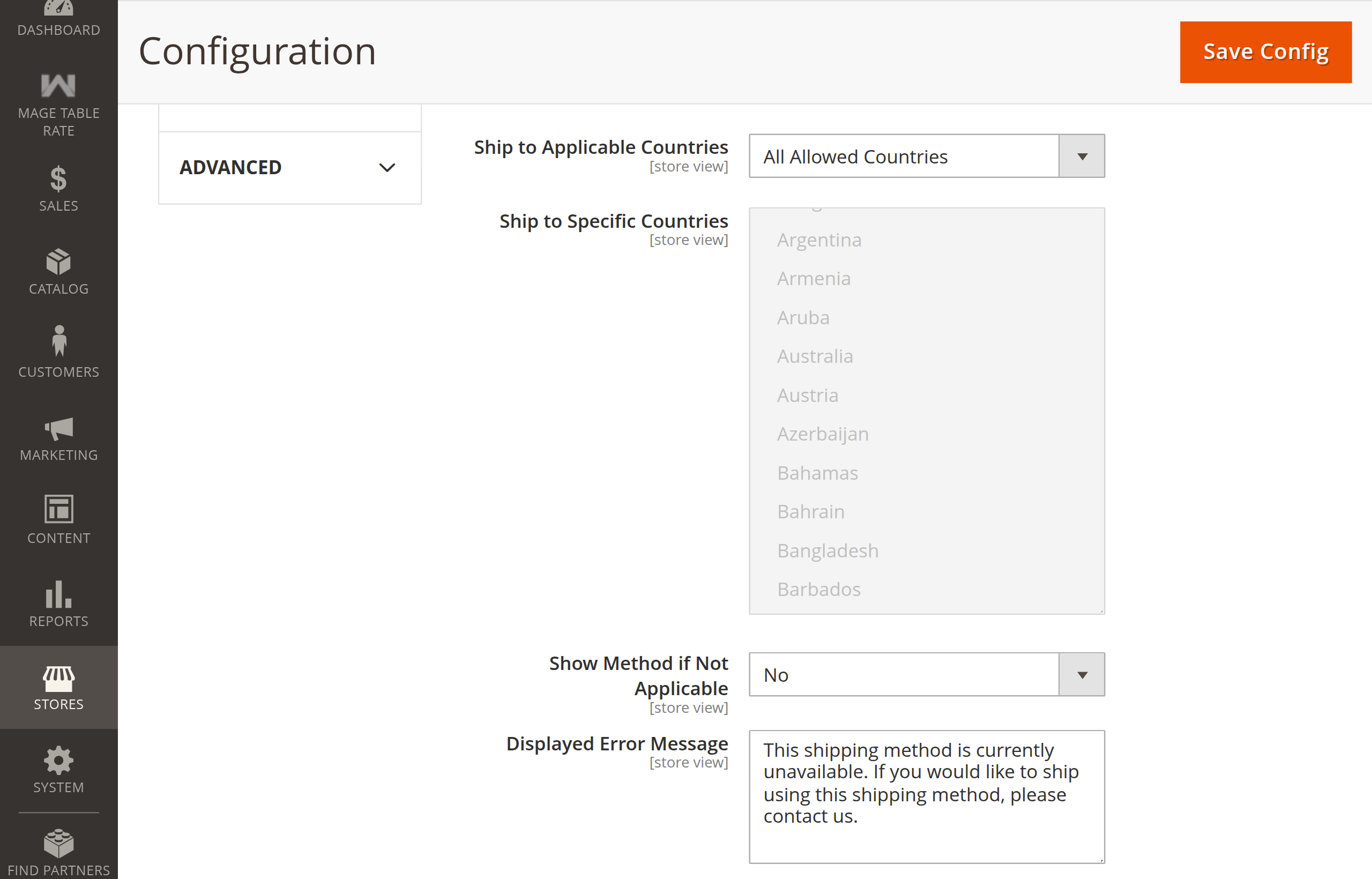
Review the configuration options available for the Webkul MageTableRate carrier:
| Field | Description | Default |
|---|---|---|
| Enabled | Enables or disables the Mage Table Rate carrier across the store. Also controls visibility of the admin menu. | Yes |
| Title | The carrier title displayed to customers in the checkout shipping methods list. | Webkul MageTableRate Shipping |
| Method Name | Default method name displayed alongside the carrier title. | Table Rate |
| Ship to Applicable Countries | Choose All Allowed Countries or Specific Countries. | All Allowed Countries |
| Ship to Specific Countries | Visible when Ship to Applicable Countries is set to Specific Countries. Select destination countries. | None |
| Show Method if Not Applicable | When set to Yes, the carrier appears in checkout with an error message if conditions are not met. | No |
| Displayed Error Message | The error message shown when Show Method if Not Applicable is set to Yes. | This shipping method is currently unavailable... |
Extension Information & Support
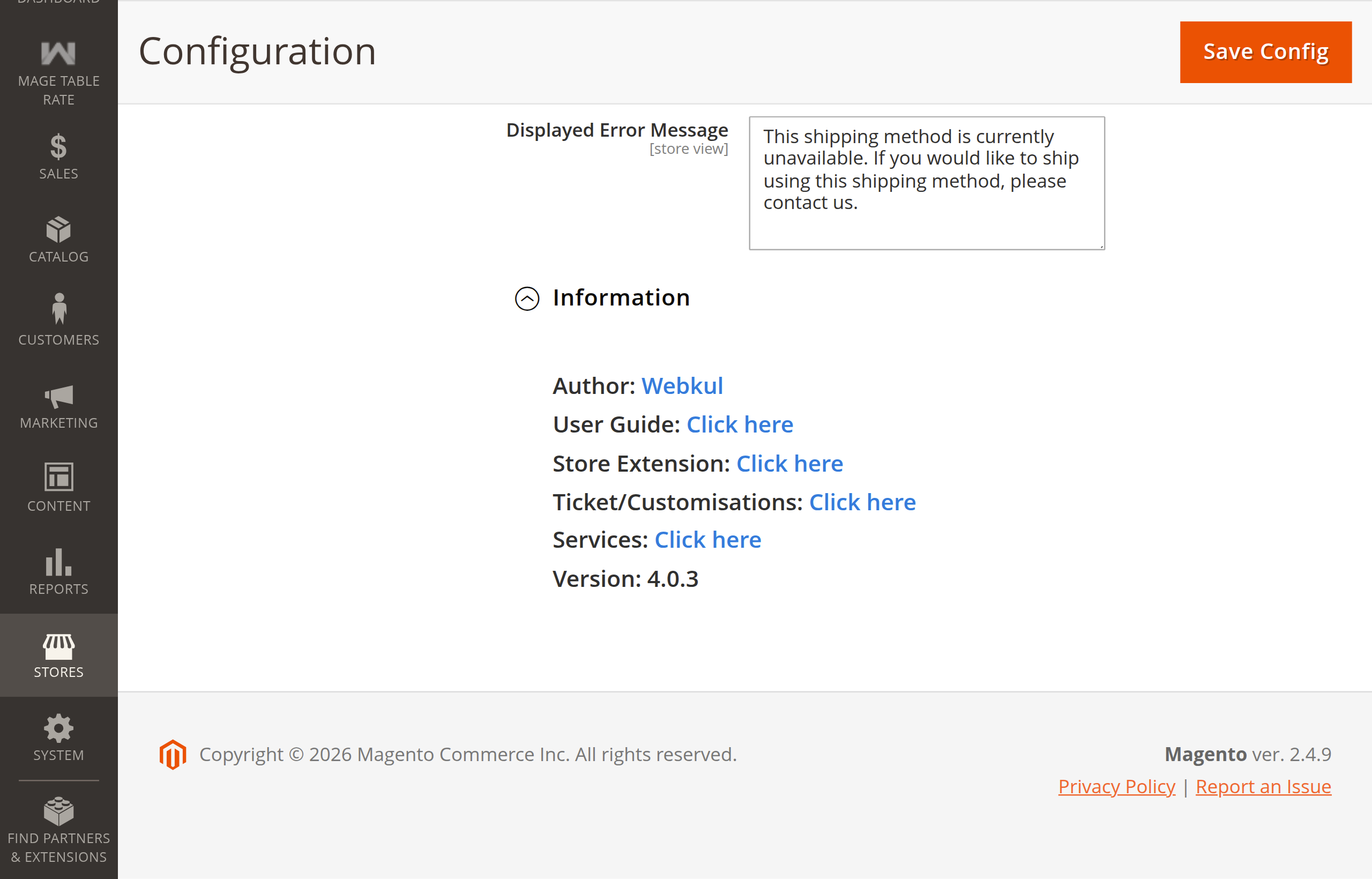
Under the carrier configuration, expand the Information section to verify installed extension version, developer credentials, and quick support links:
Calculation Dimensions Explained
The multiselect field Show Shipping Method Based On controls the criteria evaluated:
- Zip Code: Evaluates delivery address postal codes against numeric ranges or alphanumeric values.
- Weight: Evaluates total cart weight against minimum and maximum weight boundaries.
- Cart Value: Evaluates order subtotal against minimum and maximum price boundaries.
- Quantity: Evaluates total cart item count against minimum and maximum item quantities.
- Customer Group: Evaluates the customer's group against the rule's target group.
- Store View: Restricts matching to the current store view.
Multiselect Selection
Hold Ctrl (Windows/Linux) or Command (macOS) to select multiple evaluation criteria simultaneously.
Configuration Path Migration & Compatibility
Standardized Carrier Configuration Paths
Carrier settings follow standard Magento carrier configuration paths (carriers/magetablerate/*), eliminating the nested general group (carriers/magetablerate/general/*).
- Automated Data Migration: An automated data patch (
MigrateGeneralConfigPath) safely migrates legacy configuration entries incore_config_datafromcarriers/magetablerate/general/*tocarriers/magetablerate/*duringbin/magento setup:upgrade. - Backward Compatibility: The carrier helper and model (
Helper\DataandModel\Carrier) automatically normalize configuration requests, trimming any legacygeneral/prefix to ensure third-party integrations and customizations continue working seamlessly.
Saving Settings
- Click Save Config in the upper right corner.
- Flush the configuration cache to apply changes immediately:
php bin/magento cache:clean config
Next Step
Manage shipping rate matrices and import rates in Table Rate Rules & CSV Import.