
Admin Configuration
Configure global seller custom option permission settings in the Magento 2 Admin Panel.
Global Seller Permission Configuration
- Log in to the Magento 2 Admin Panel.
- Navigate to Stores → Configuration → Webkul → Custom Option.
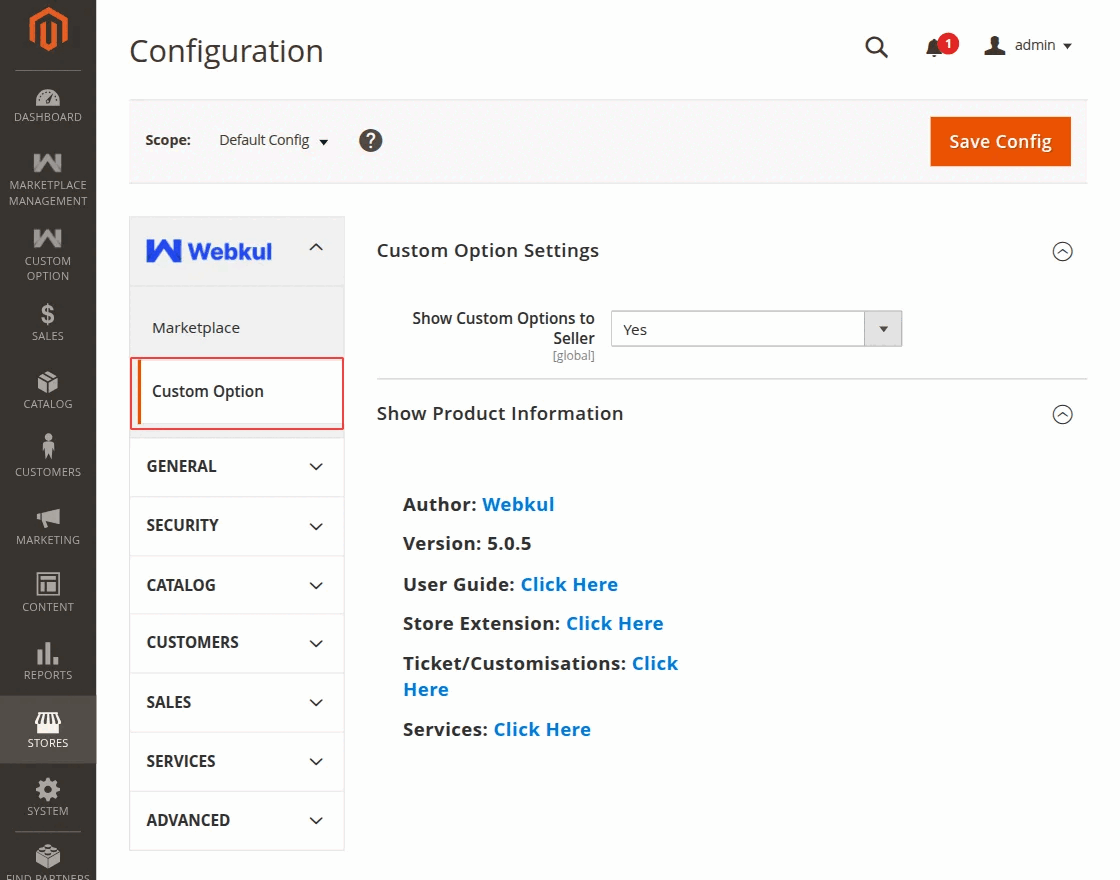
- Configure the following field:
- Enable Custom Option for Sellers: Select Yes to allow marketplace vendors to create custom options in their vendor panel. Select No to hide the custom option section in vendor product management screens.
- Click Save Config.
- Flush Magento cache if prompted (System → Cache Management → Flush Magento Cache).